

Liongard's App Activity Logging
Liongard App Activity Logging (Phase Release)
Overview
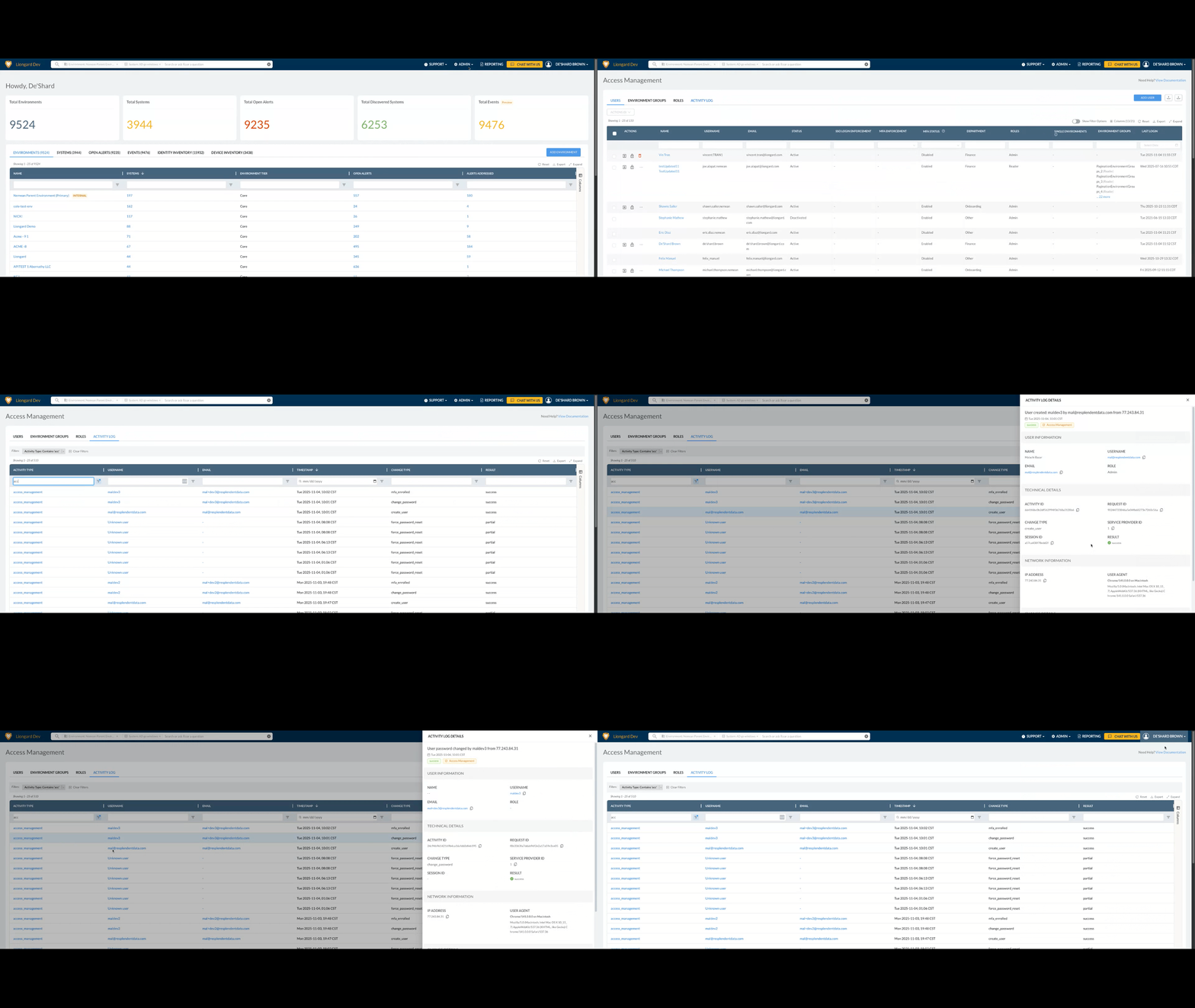
Liongard Activity Logging provides a comprehensive audit trail of significant events within the Liongard application. This feature is designed to support IT governance, change auditing, and security compliance requirements by capturing detailed records of system and user activity.
Activity logs ensure visibility into configuration changes, user actions, and AI-related operations, helping organizations monitor, review, and validate activity across their environments.
What Is Logged
The system automatically generates logs for key in-app activities, including:
- Launchpoint changes
- Environment modifications
- Agent updates and configuration changes
- User management actions
- AI-related activity
Each log entry captures:
- The user who performed the action
- Timestamp of the event
- Type of activity
- Associated changes or affected objects
Accessing Activity Logs
Liongard administrators can access Activity Logs by navigating to:
Admin → Access Management → Activity Logs
The Activity Logs interface includes filtering and export capabilities to support review, reporting, and audit requirements.
Feature Highlights
Comprehensive Tracking
Captures detailed application-level events across launchpoints, environments, agents, and system configuration changes.
Security & Compliance
Maintains a structured audit trail of user and system activity to support compliance with industry standards.
AI & User Activity Monitoring
Logs AI-related operations and user management actions to provide full visibility into administrative and automation activity.
Data Storage & Security
All activity logs are securely stored within the Liongard platform and are accessible only to authorized administrators.
Updated 7 months ago