

Liongard's Features Tour Library
Explore Liongard’s interactive tours designed to guide you through key platform capabilities. Each tour highlights core features, best practices, and workflows so you can quickly learn how to get the most value from Liongard. Whether you’re onboarding, refreshing your knowledge, or exploring new functionality, this library is your go-to resource for step-by-step guidance.
Featured Tours
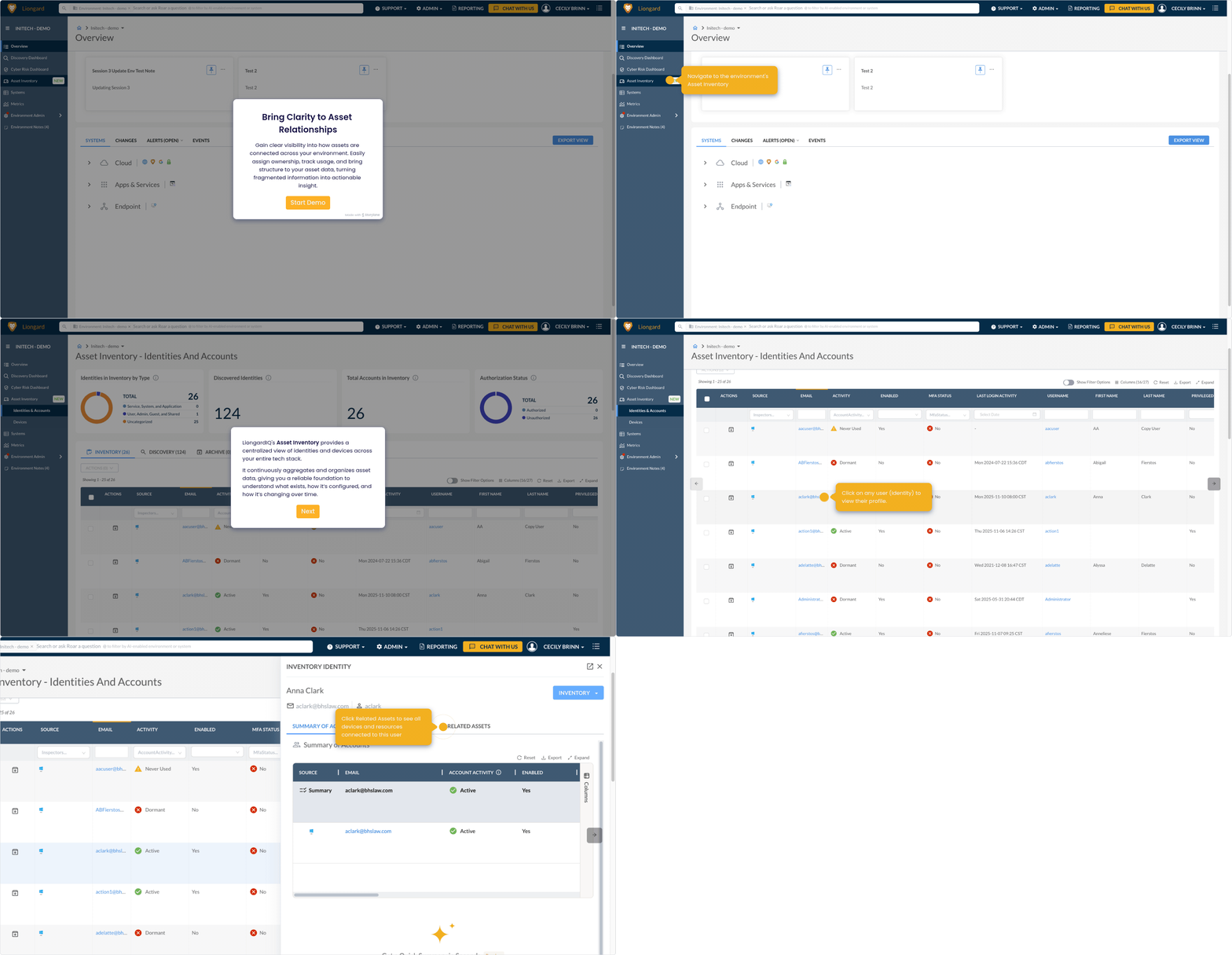
Asset Relationship
Gain clear visibility into how assets are connected across your environment. Easily assign ownership, track usage, and bring structure to your asset data, turning fragmented information into actionable insight..
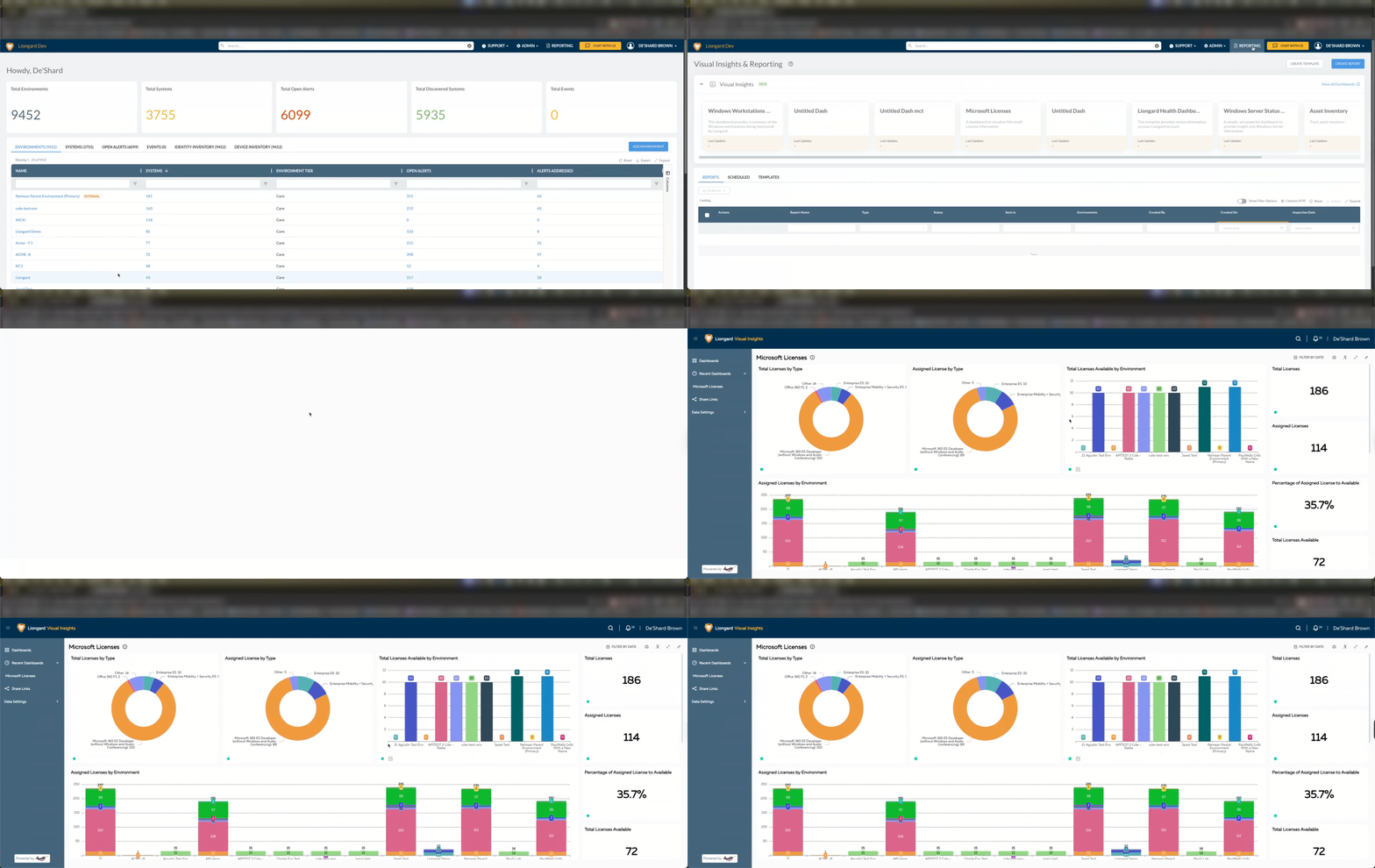
Visual Insights
Visual Insights allows you to create and customize dashboards with Liongard data.
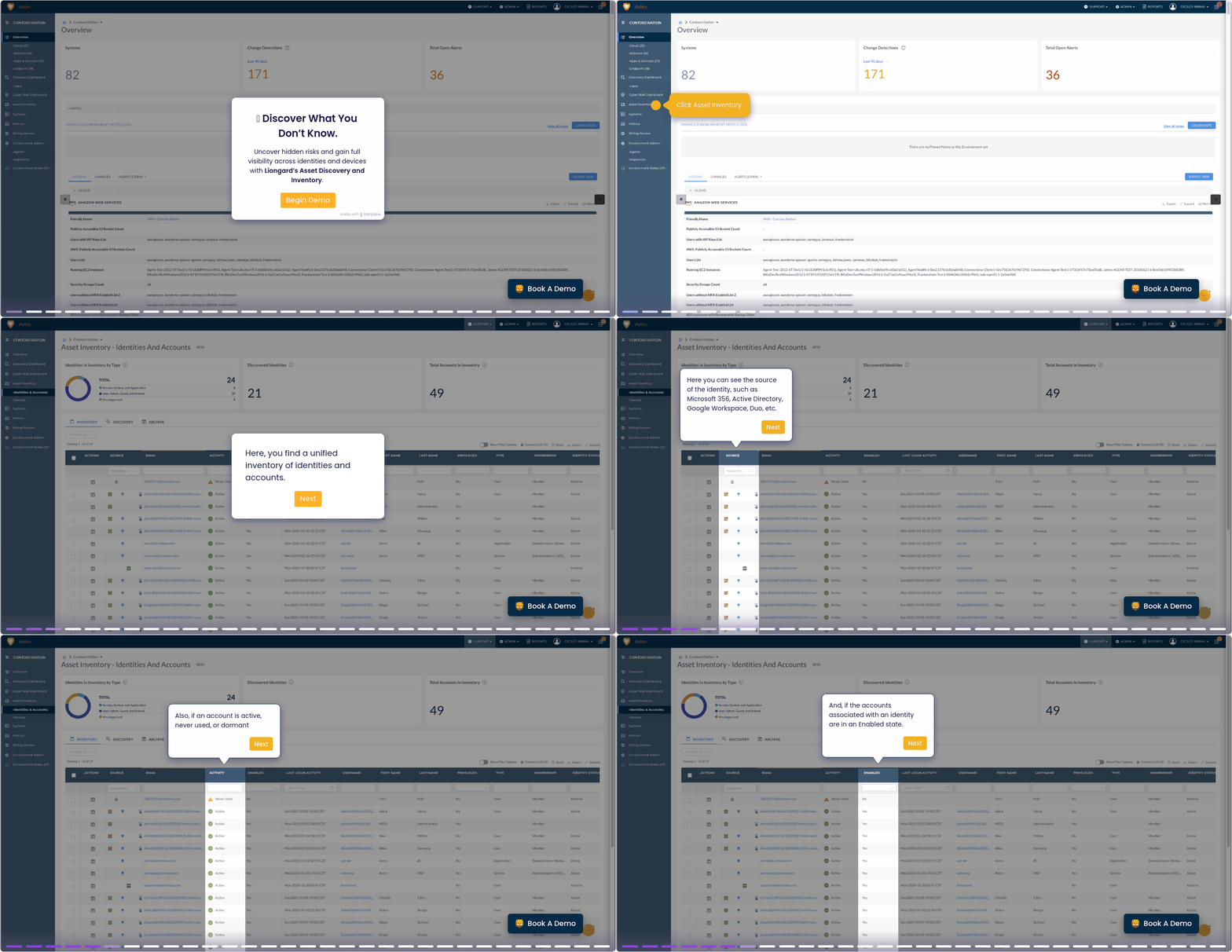
Asset Discovery and Inventory
Liongard provides an automated inventory of all cyber assets, including user accounts, devices, software, and data across cloud and on-premises systems.
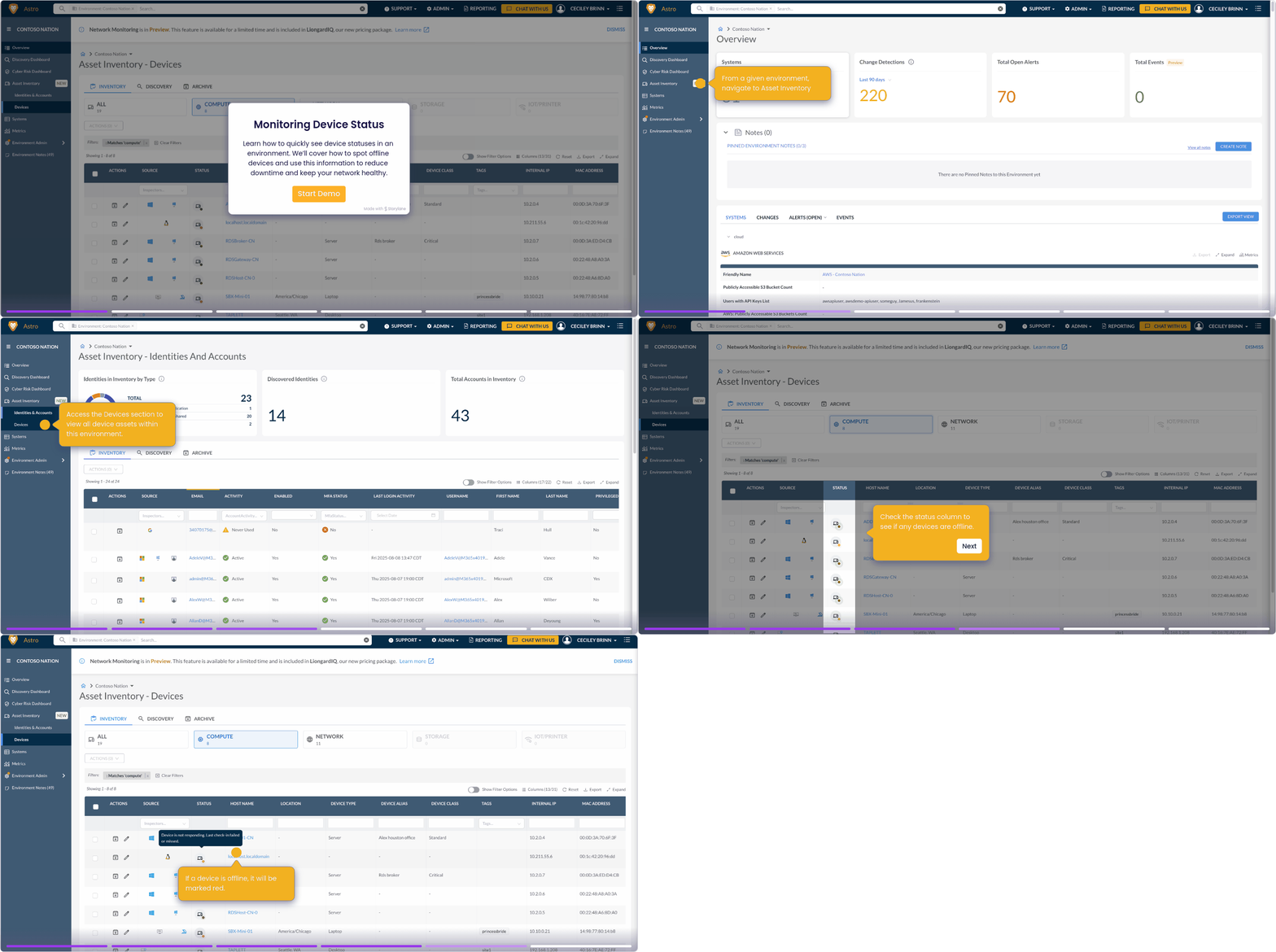
Device Status Monitoring
Device Status Monitoring provide feedback as to whether devices are considered active, inactive, experiencing issues, or Status undetermined.
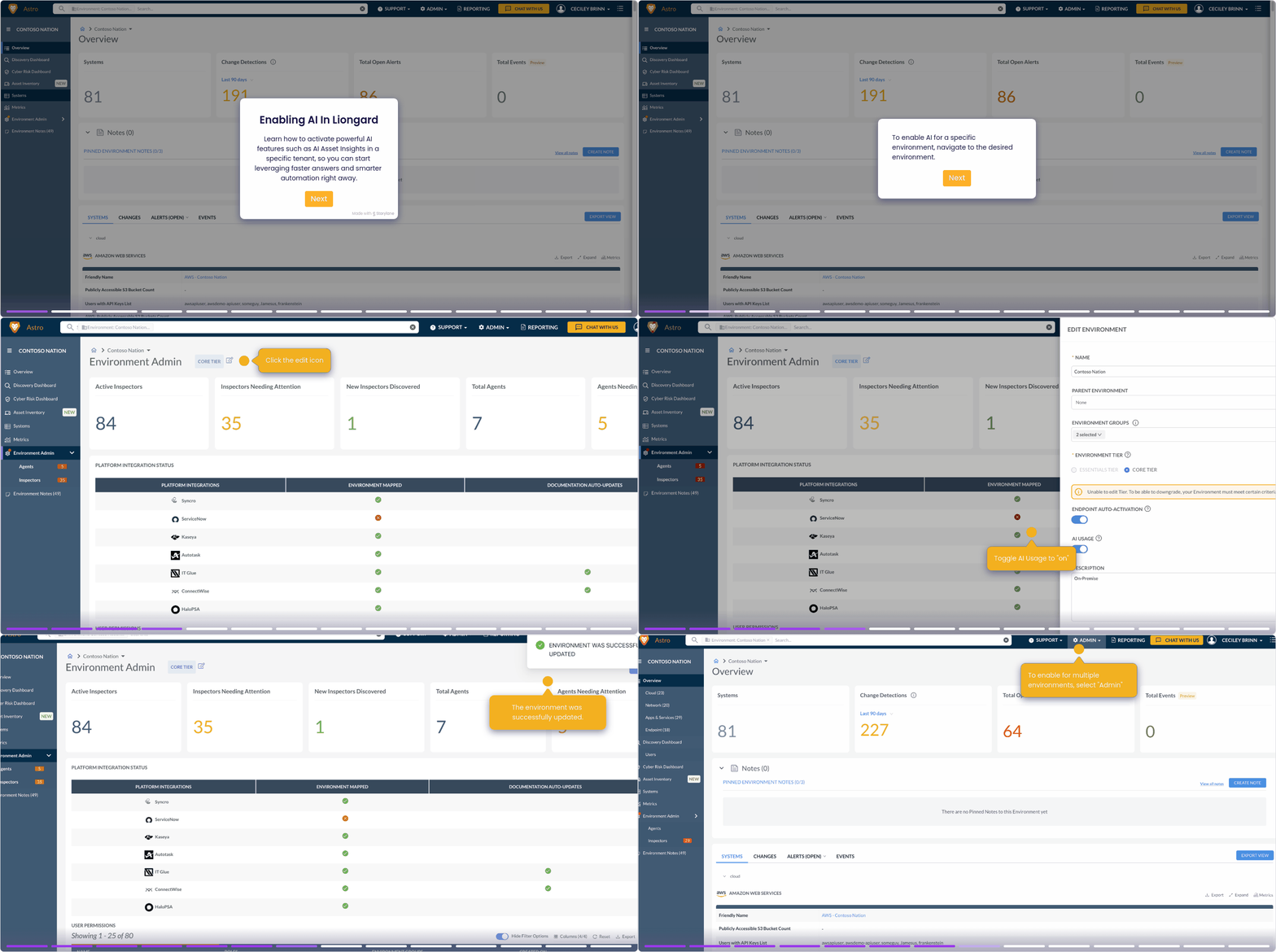
Enabling AI In Liongard
Learn how to activate powerful AI features such as AI Asset Insights in a specific tenant.
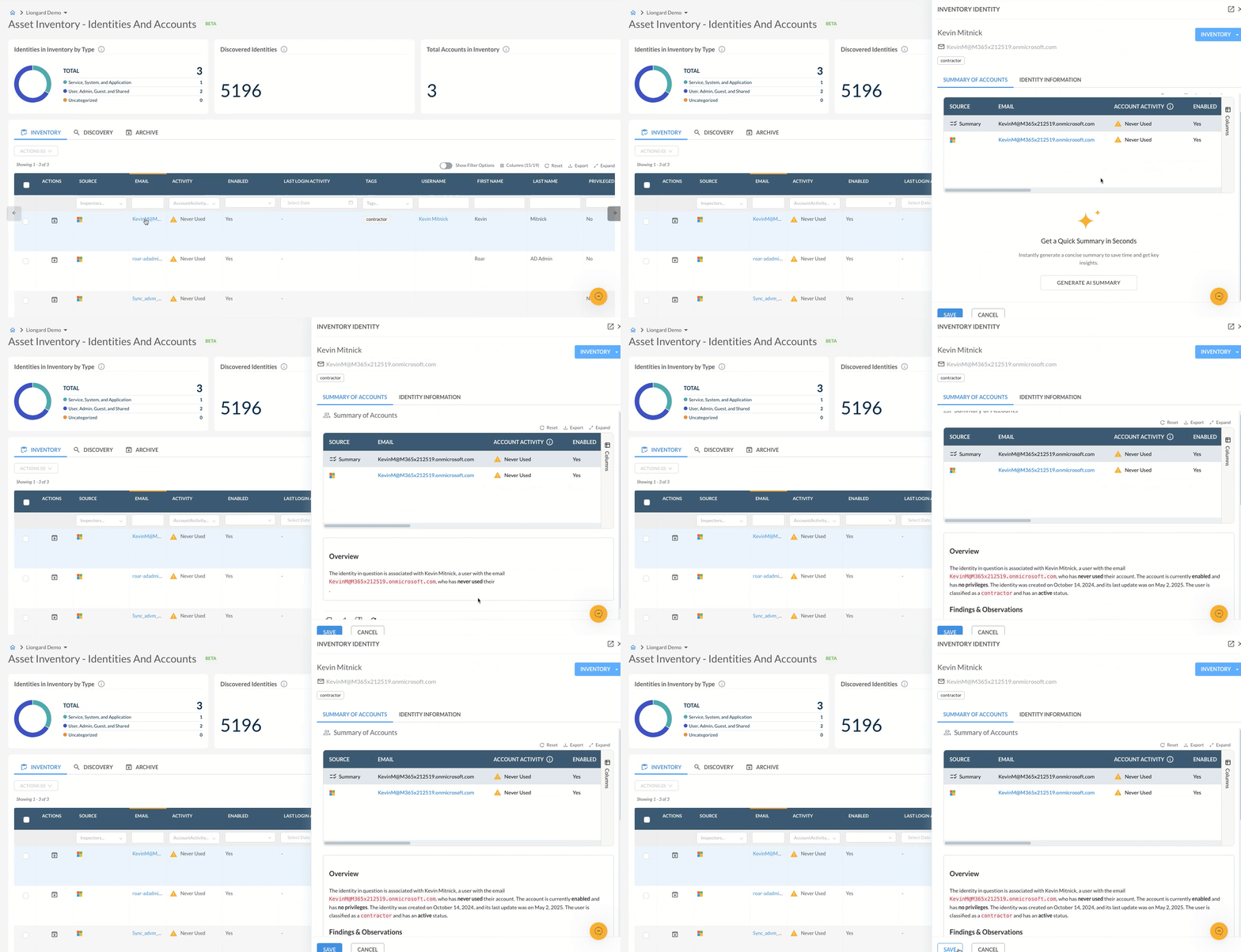
AI Asset Insights
See how LiongardIQ helps you make smarter, faster decisions with AI-generated summaries of your identity and device assets.
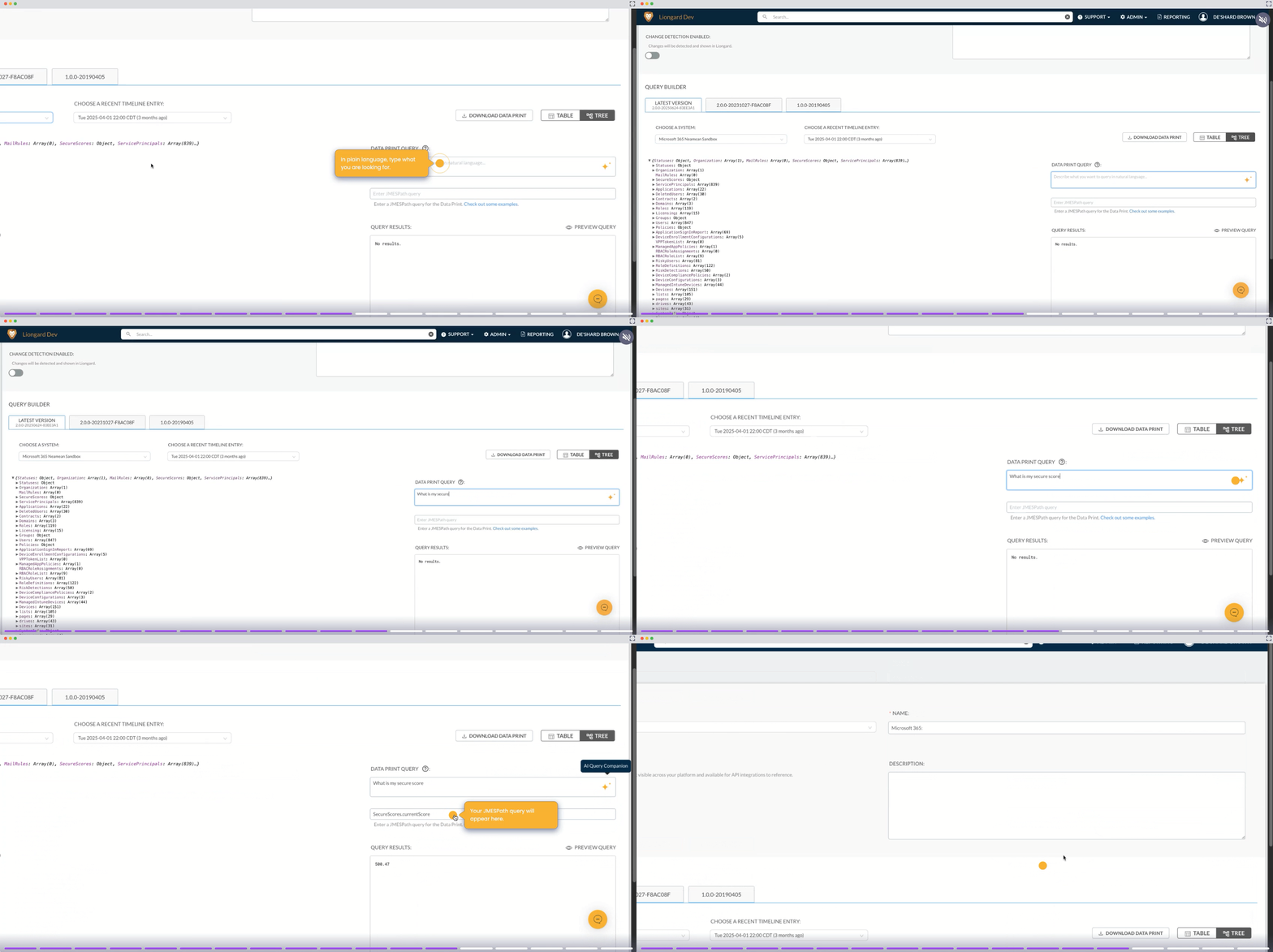
AI Query Companion
The AI Query Companion is a built-in tool designed to simplify the process of creating JMESPath queries.Simply enter a natural language description of the data you want to retrieve.
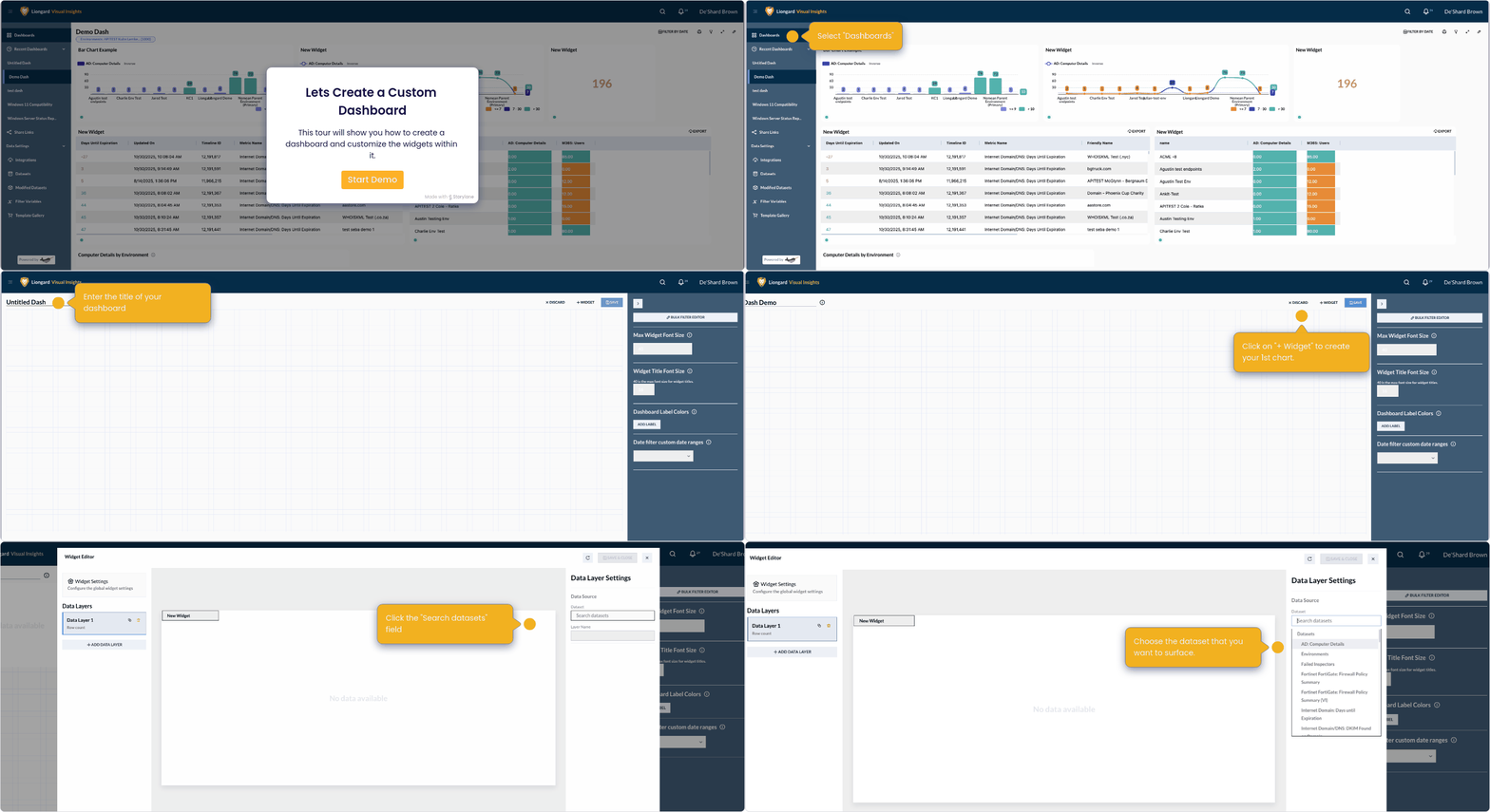
Visual Insights - Creating a Dashboard
This tour will show you how to create a dashboard and customize the widgets within it.
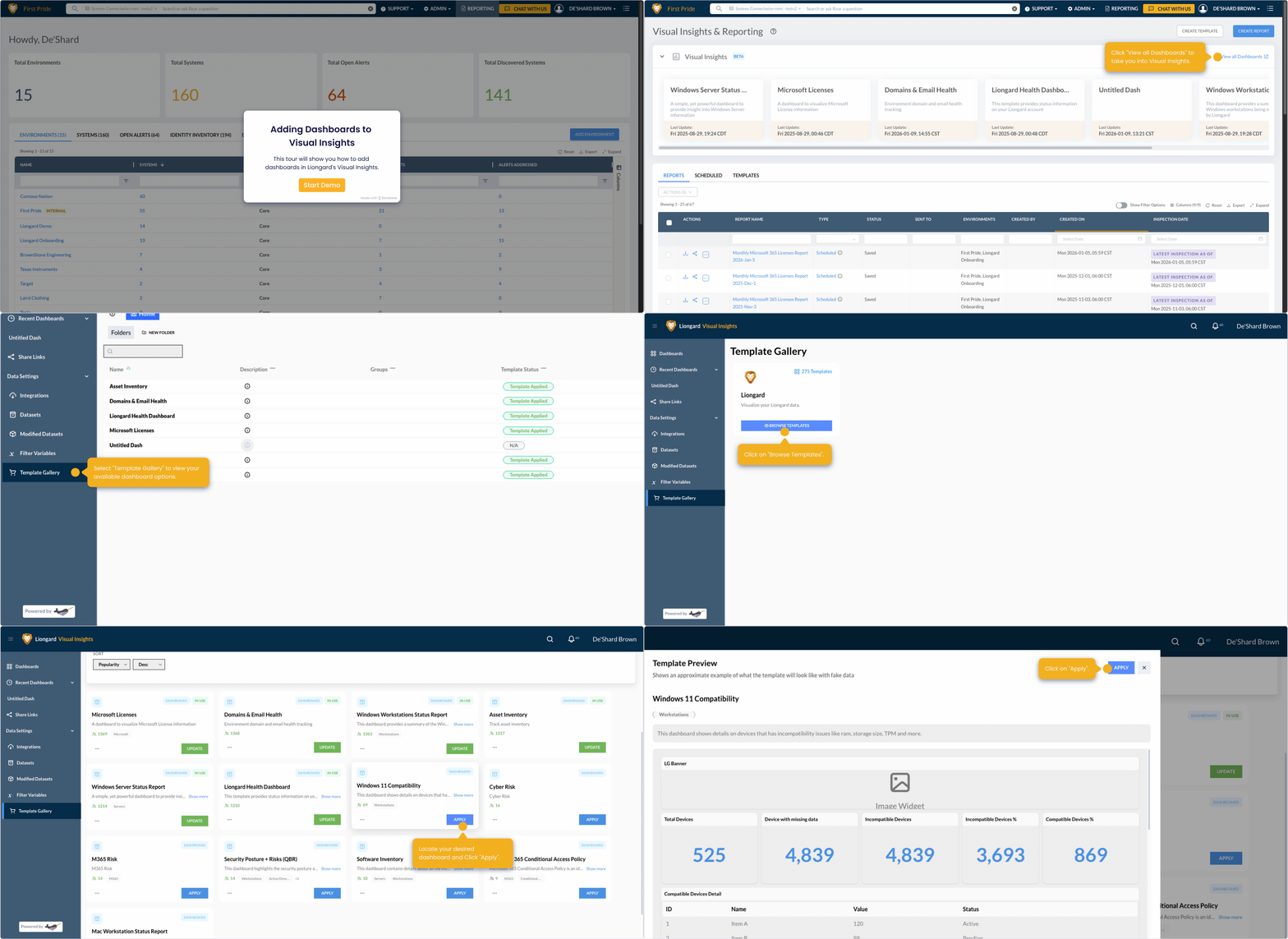
Visual Insights - Adding Dashboards to Visual Insights
This tour will show you how to add dashboards in Liongard's Visual Insights.
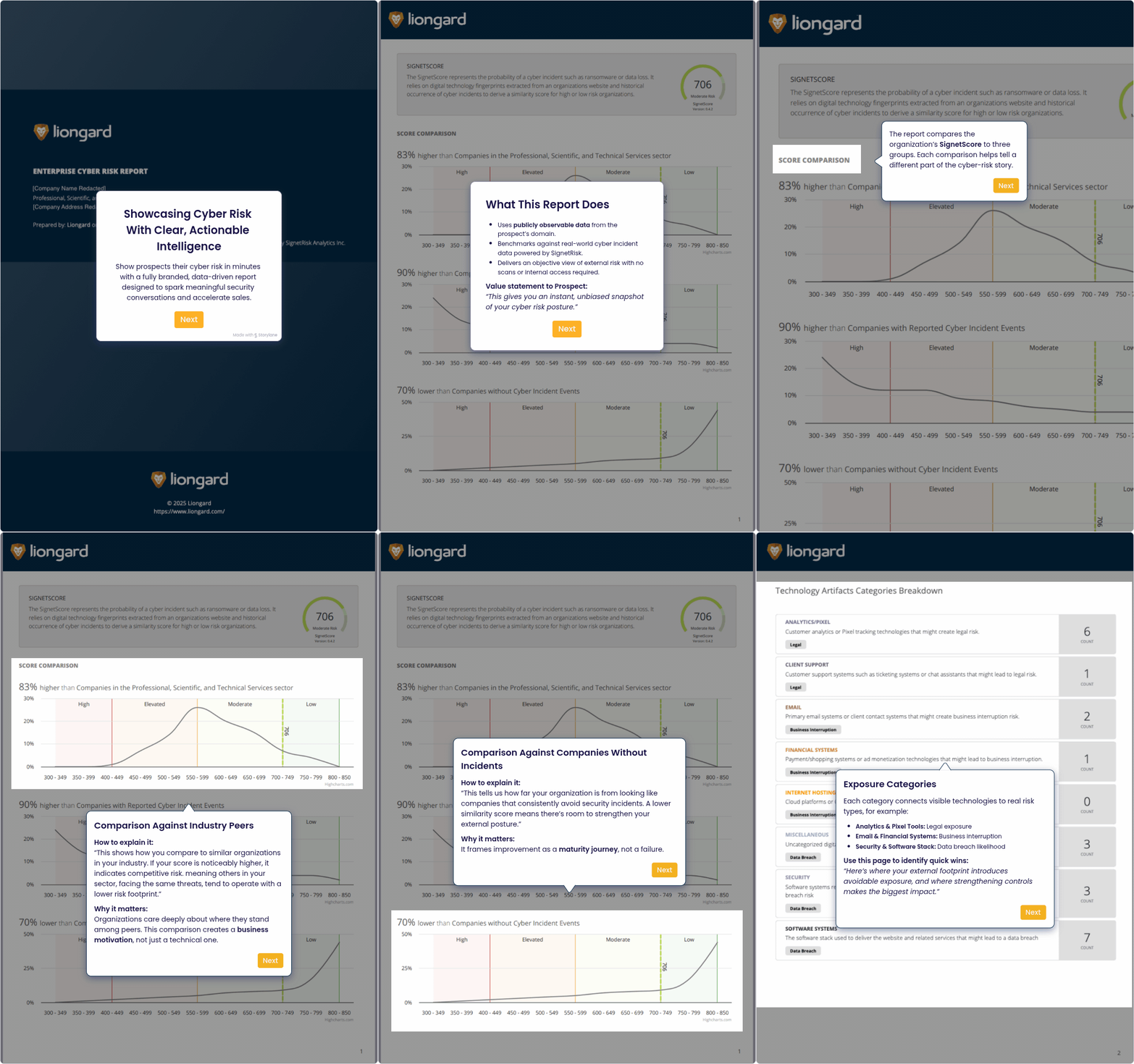
HunterX Risk Report Overview
Showcase Cyber Risk with Clear, Actionable Insights. Quickly demonstrate a prospect’s cyber risk using a fully branded, data-driven report built to drive impactful security discussions and move opportunities forward with confidence.
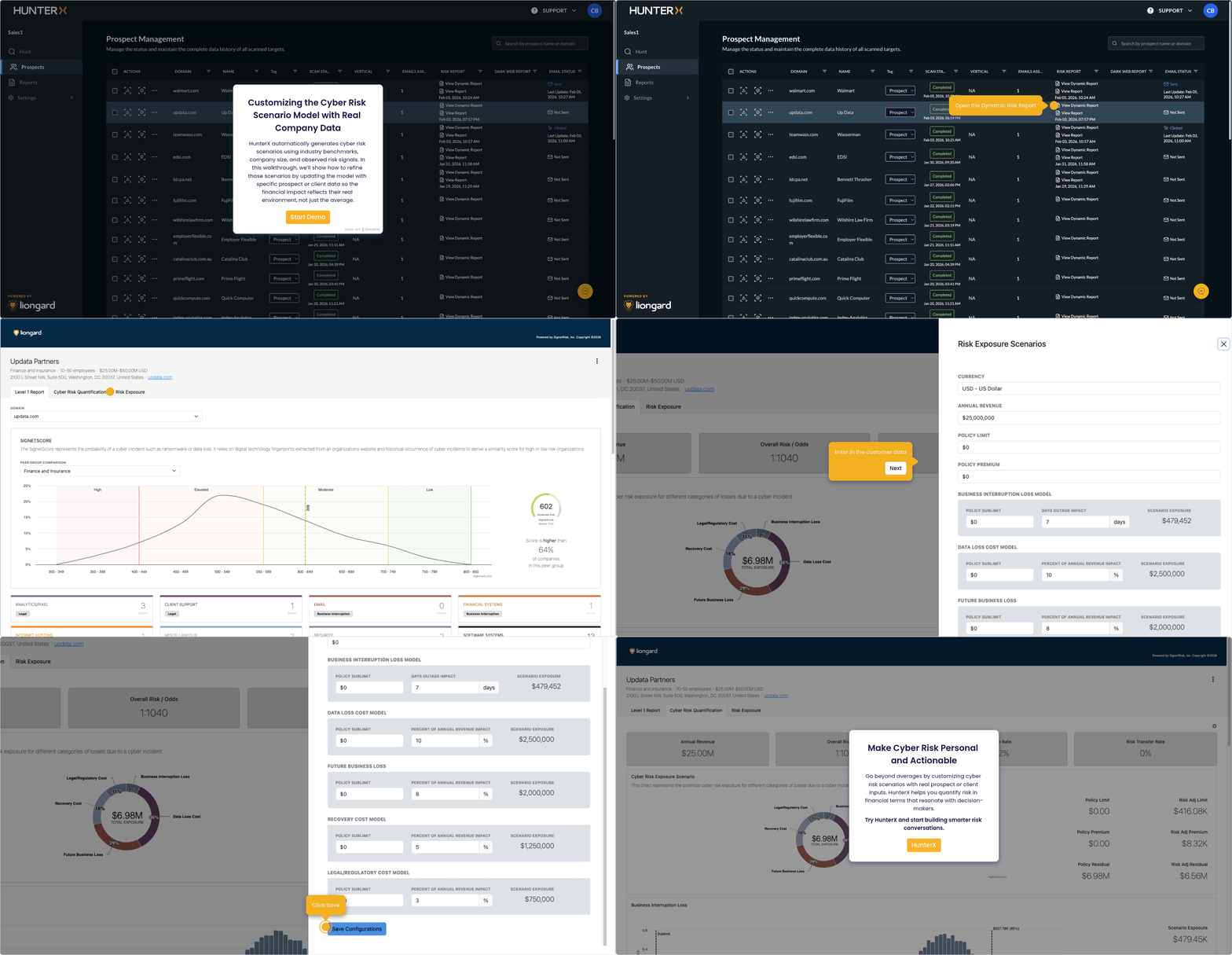
HunterX - Updating Cyber Risk Data
HunterX generates cyber risk scenarios using industry benchmarks and risk signals. This walkthrough shows how to refine them with client-specific data for more accurate financial impact.
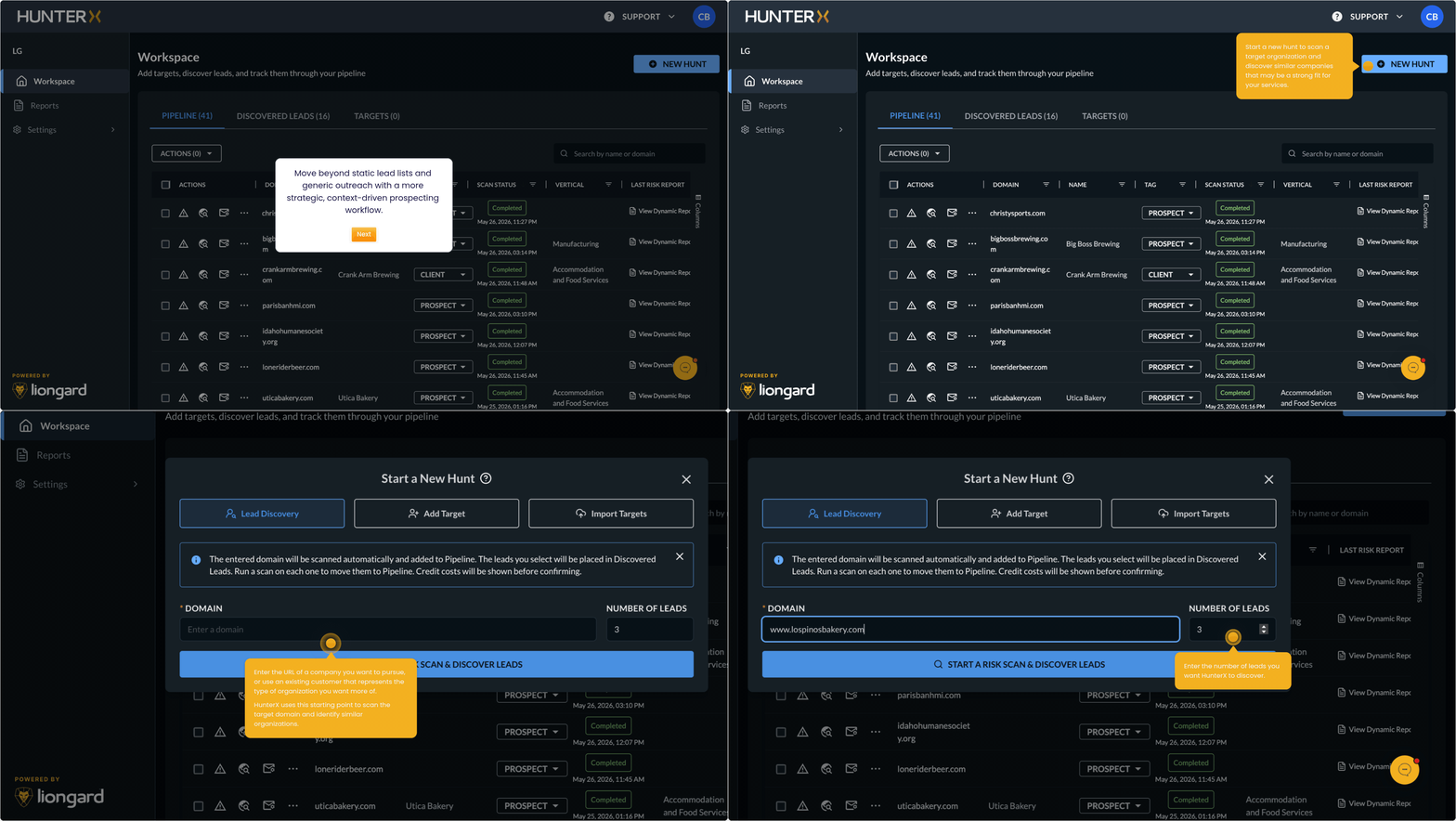
HunterX - Lead Discovery
HunterX generates cyber risk scenarios using industry benchmarks and risk signals. This walkthrough shows how to refine them with client-specific data for more accurate financial impact.
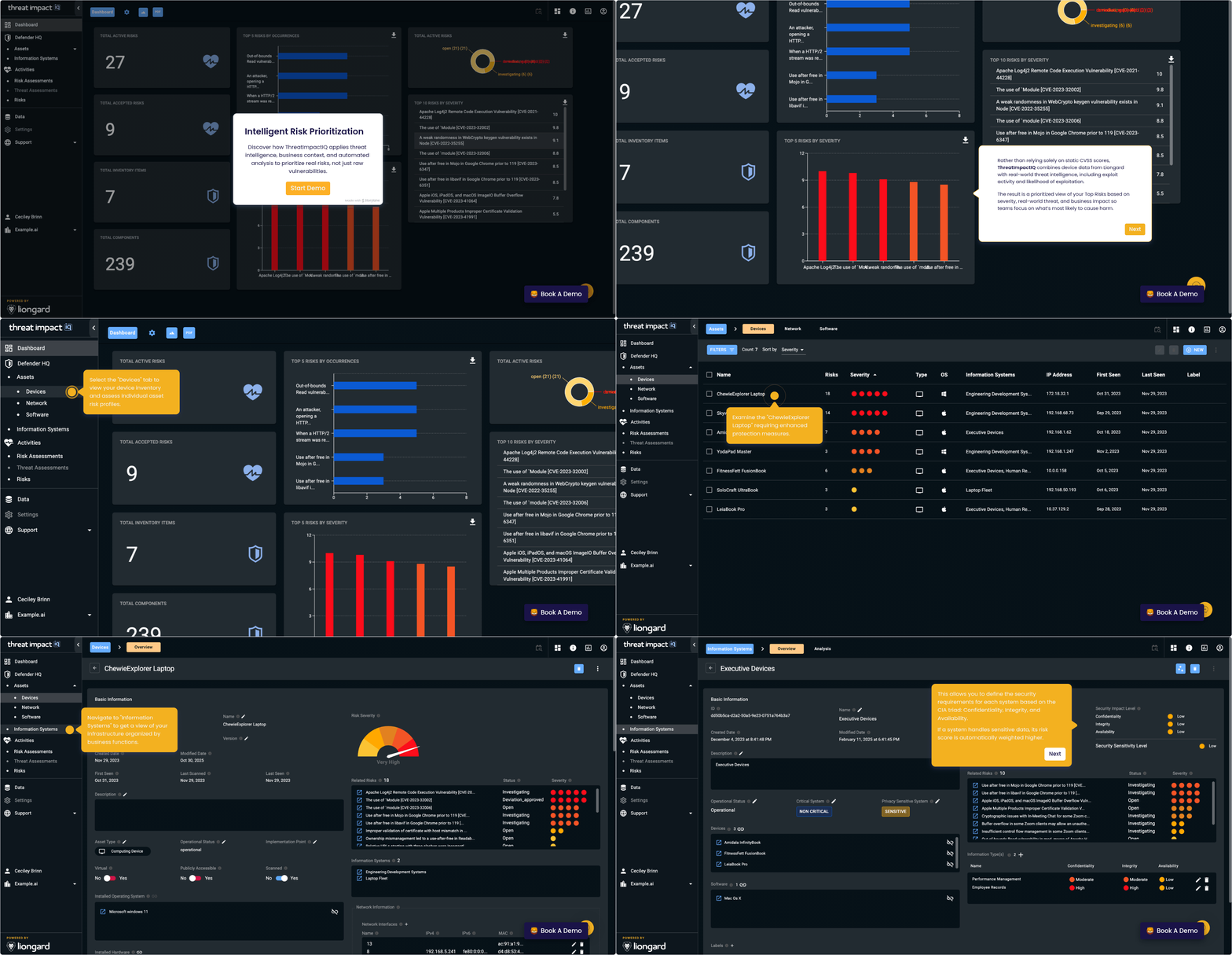
ThreatImpactIQ
Discover how ThreatImpactIQ applies threat intelligence, business context, and automated analysis to prioritize real risks, not just raw vulnerabilities.
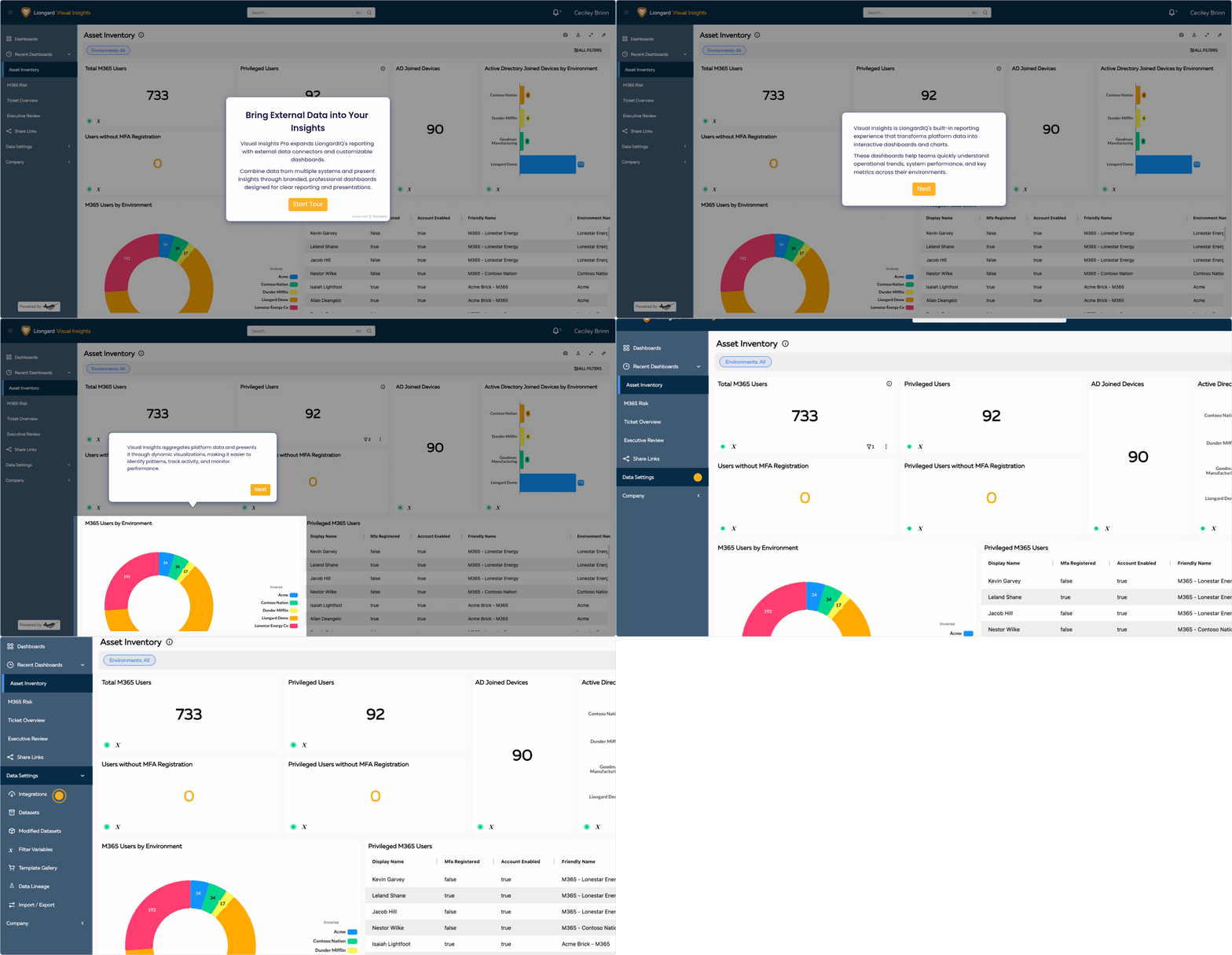
Visual Insights Pro
Visual Insights Pro extends LiongardIQ’s reporting capabilities by integrating external data sources and enabling fully customizable dashboards.
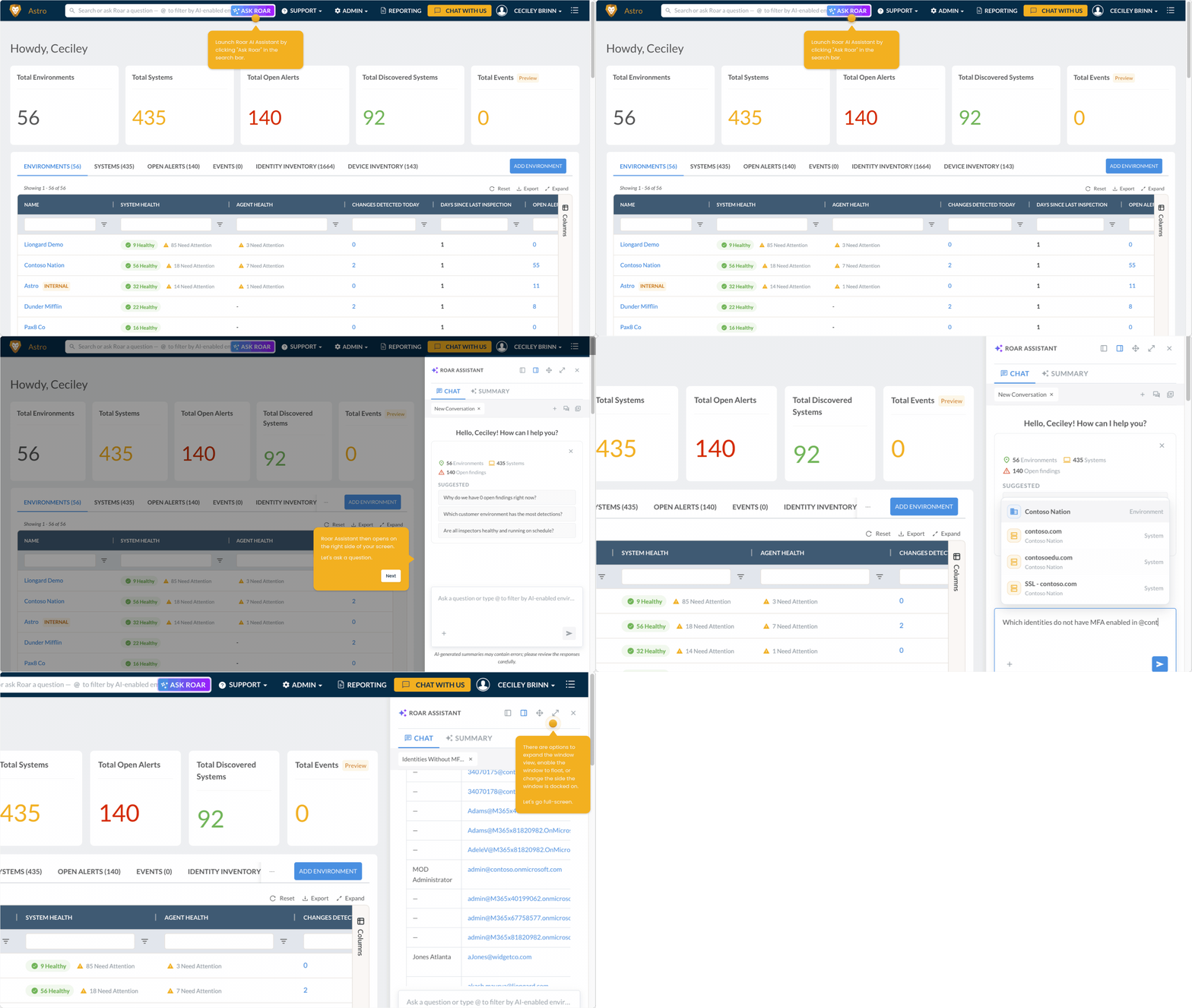
Roar Assistant
Learn how to use Roar Assistant to quickly answer questions about your customers' environments using natural language. In this guided walkthrough, you'll discover how to ask effective questions, refine your results, and uncover insights without digging through dashboards.
See how each team member can get more from Liongard. Our role-based tours spotlight key features and workflows tailored to your role—whether you lead operations, secure systems, or manage client success. Discover how LiongardIQ helps your team work smarter, respond faster, and deliver greater value every day.
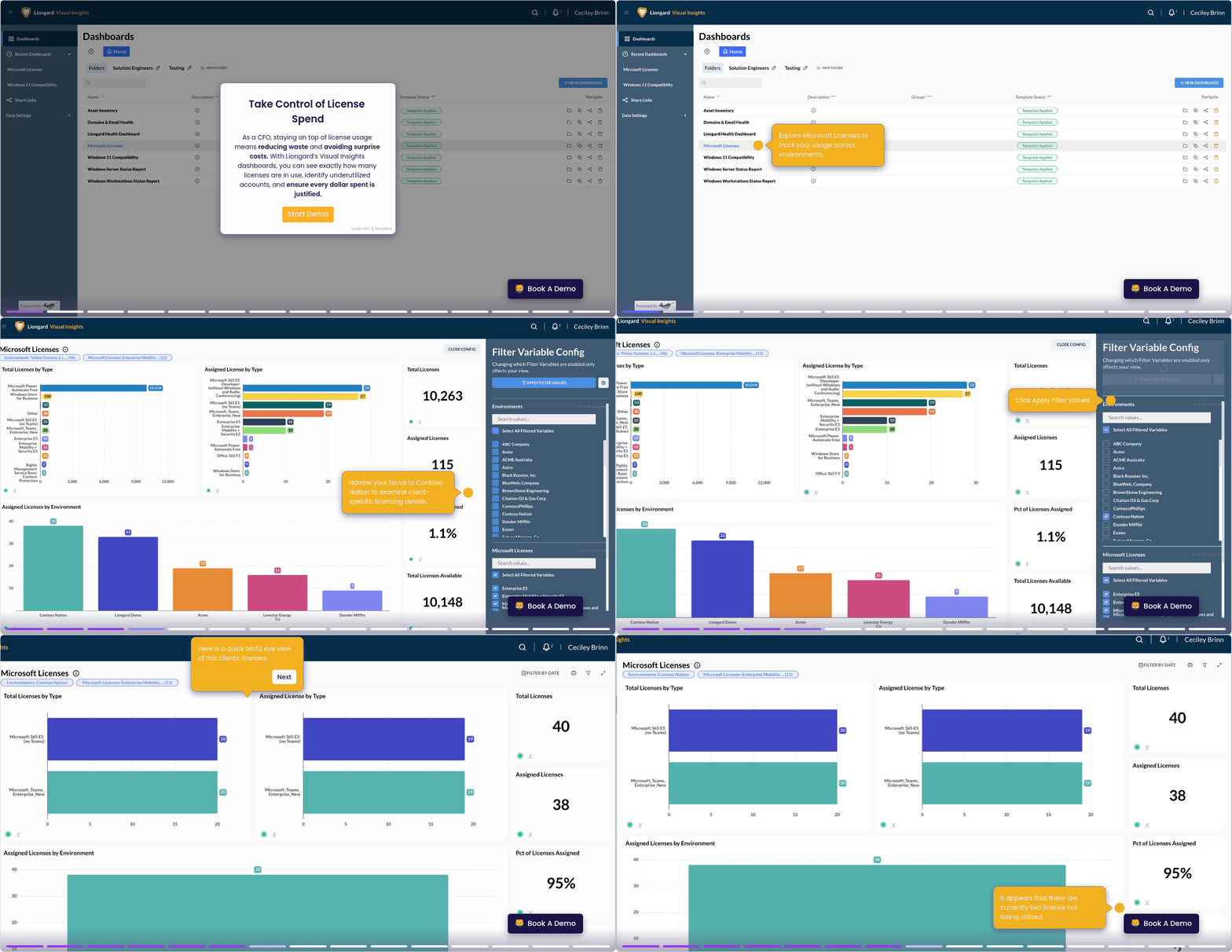
CFO | License Reconciliation
Optimize License Spend. As a CFO, you can easily track license usage with Liongard’s Visual Insights dashboards—spot underused accounts, eliminate waste, and ensure every dollar is well spent.
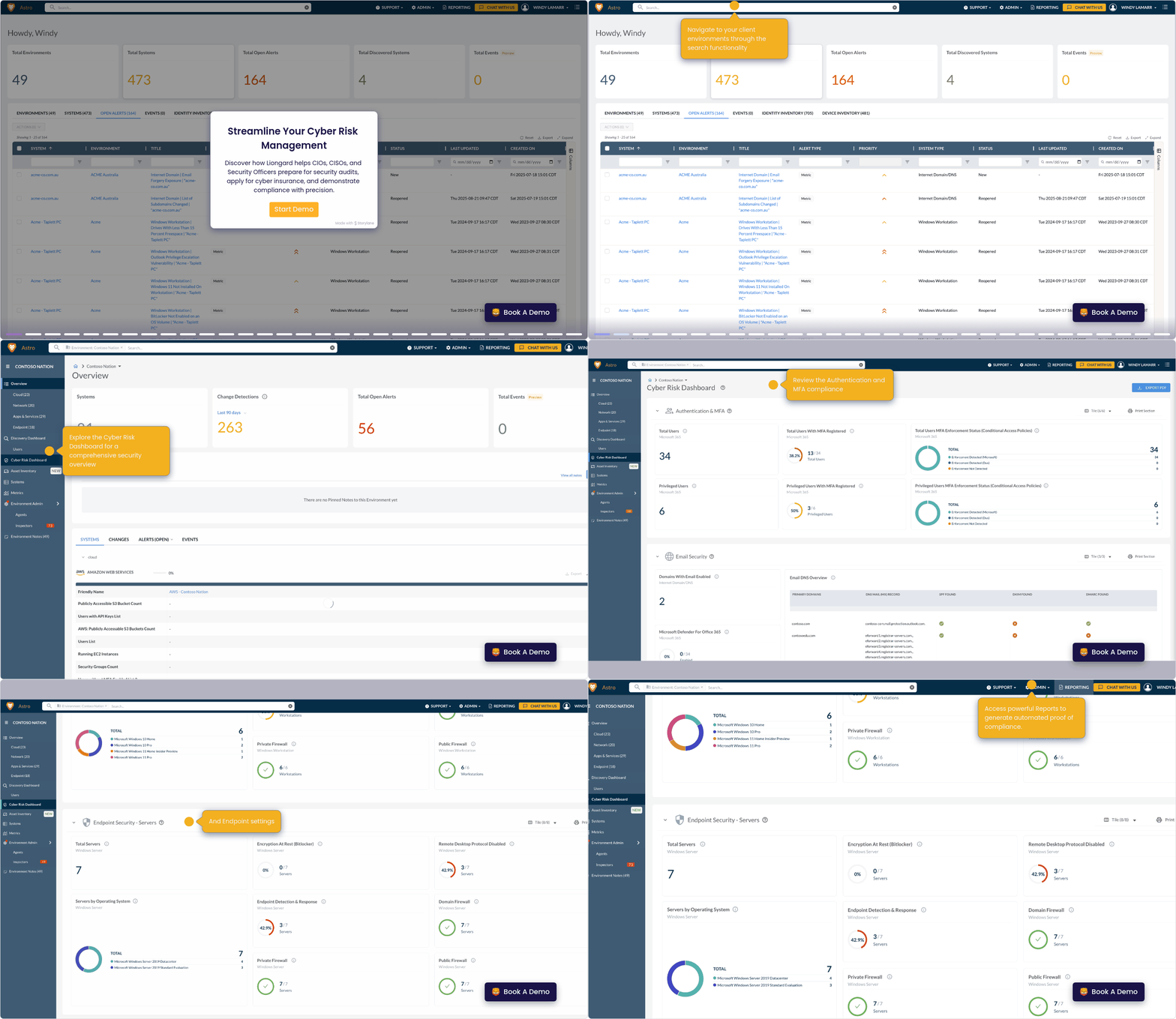
CISO | Audit & Compliance
Streamline Cyber Risk Management. See how Liongard helps security leaders simplify audits, secure cyber insurance, and prove compliance with confidence.
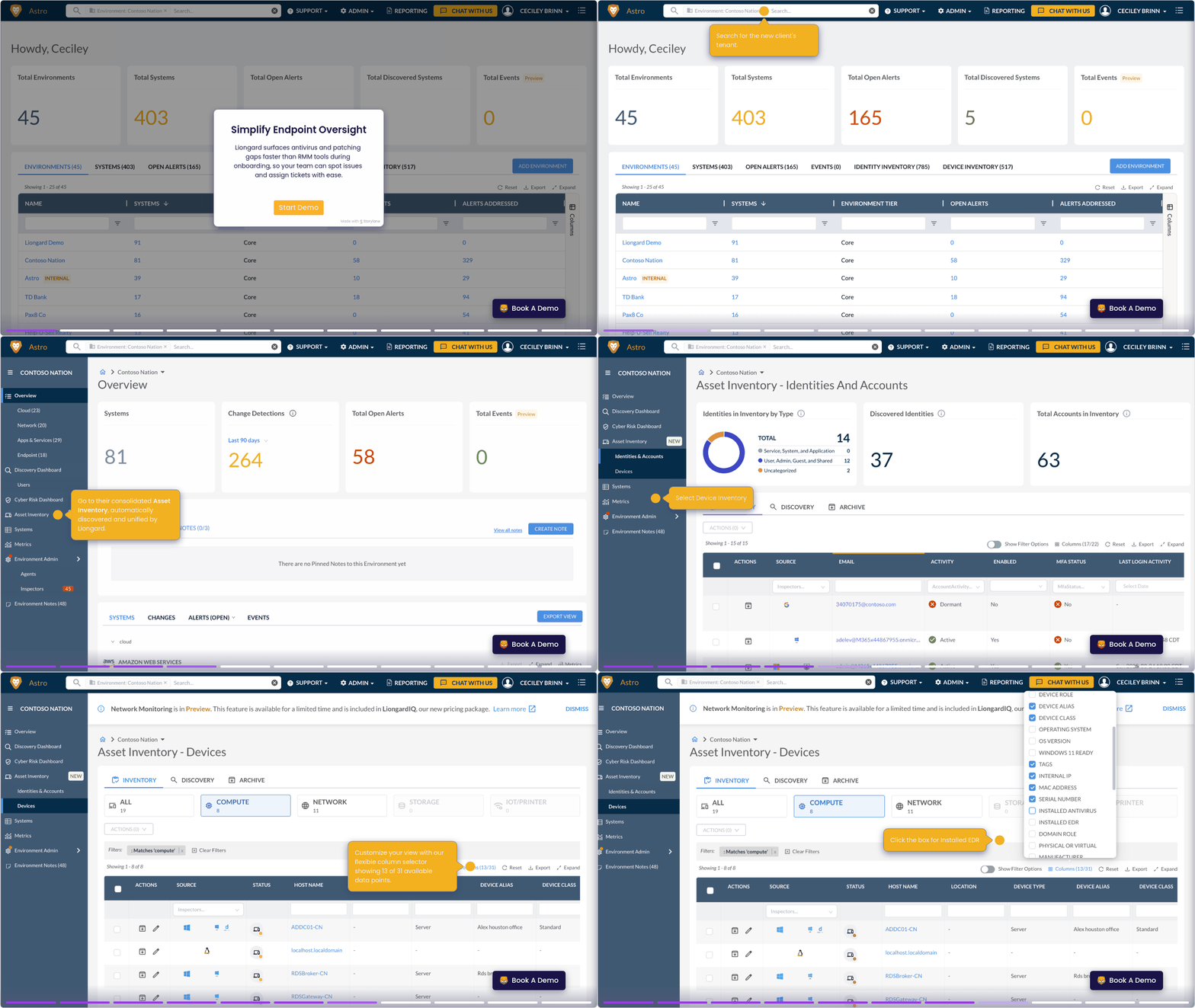
NOC/RMM Manager | AV & EDR Verification
Simplify Endpoint Oversight. Liongard quickly identifies antivirus and patching gaps—often faster than RMM tools—so your team can spot and resolve issues with ease.
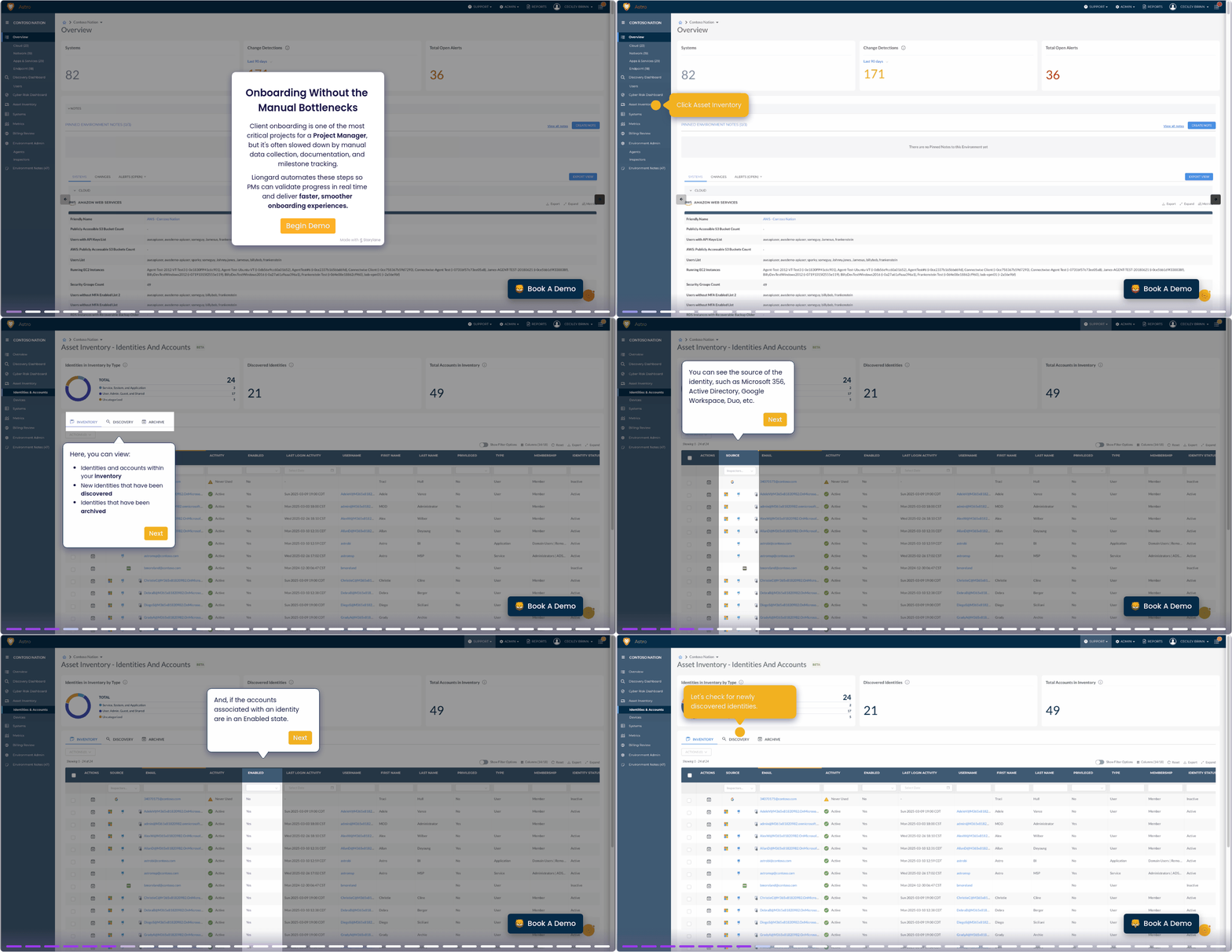
Project Manager | Client Onboarding
Faster, Smarter Onboarding. Onboarding is vital but often bogged down by manual data entry and tracking. Liongard automates these steps, giving Project Managers real-time visibility to deliver faster, smoother client onboarding.
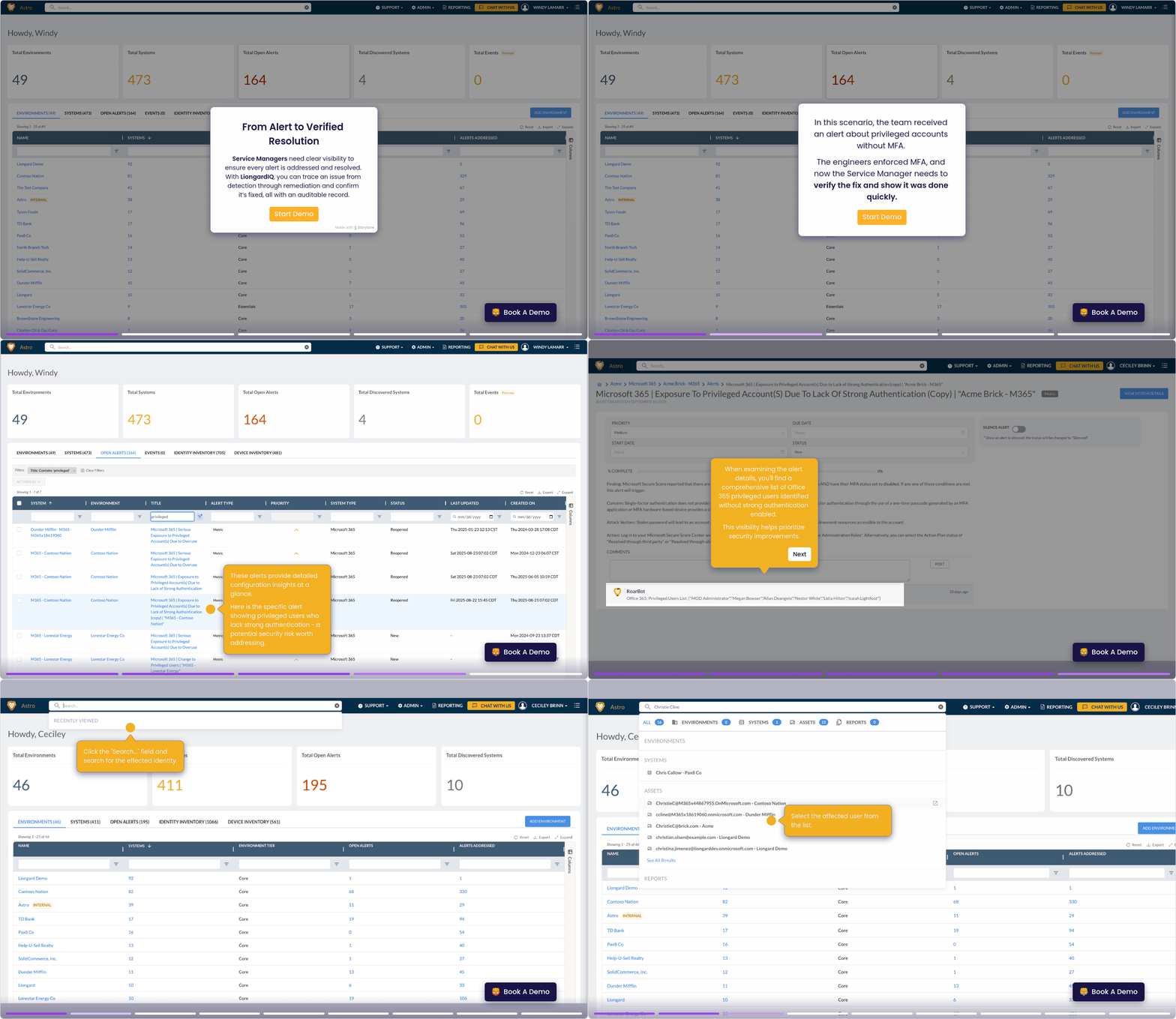
Service Manager | MFA Enforcement
From Alert to Resolution. LiongardIQ gives Service Managers end-to-end visibility—track issues from detection to remediation and verify every fix with an auditable record.
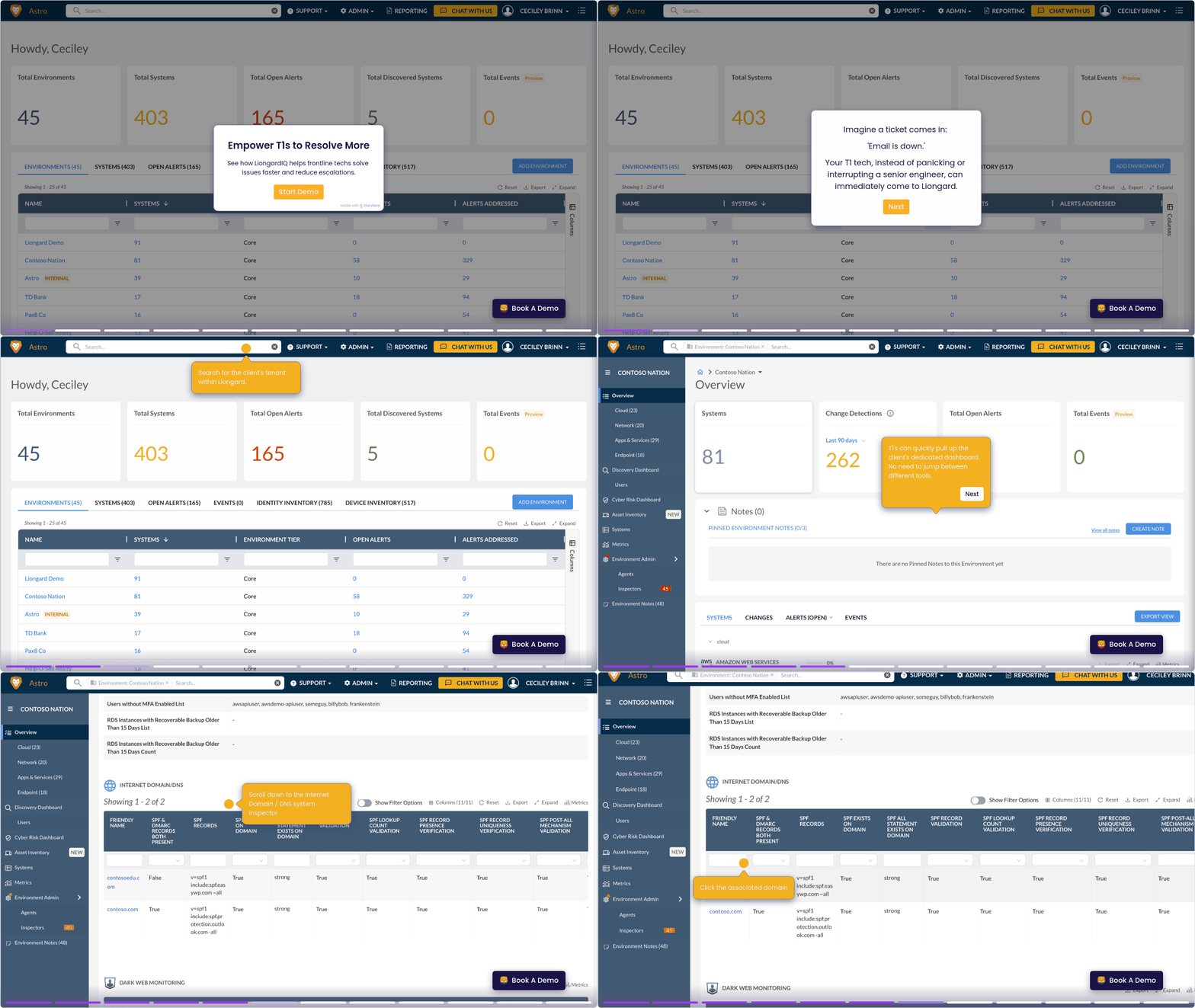
T1/Help Desk | Reducing Escalations
Empower T1s to Do More. Discover how LiongardIQ helps frontline techs resolve issues faster and cut down on escalations.
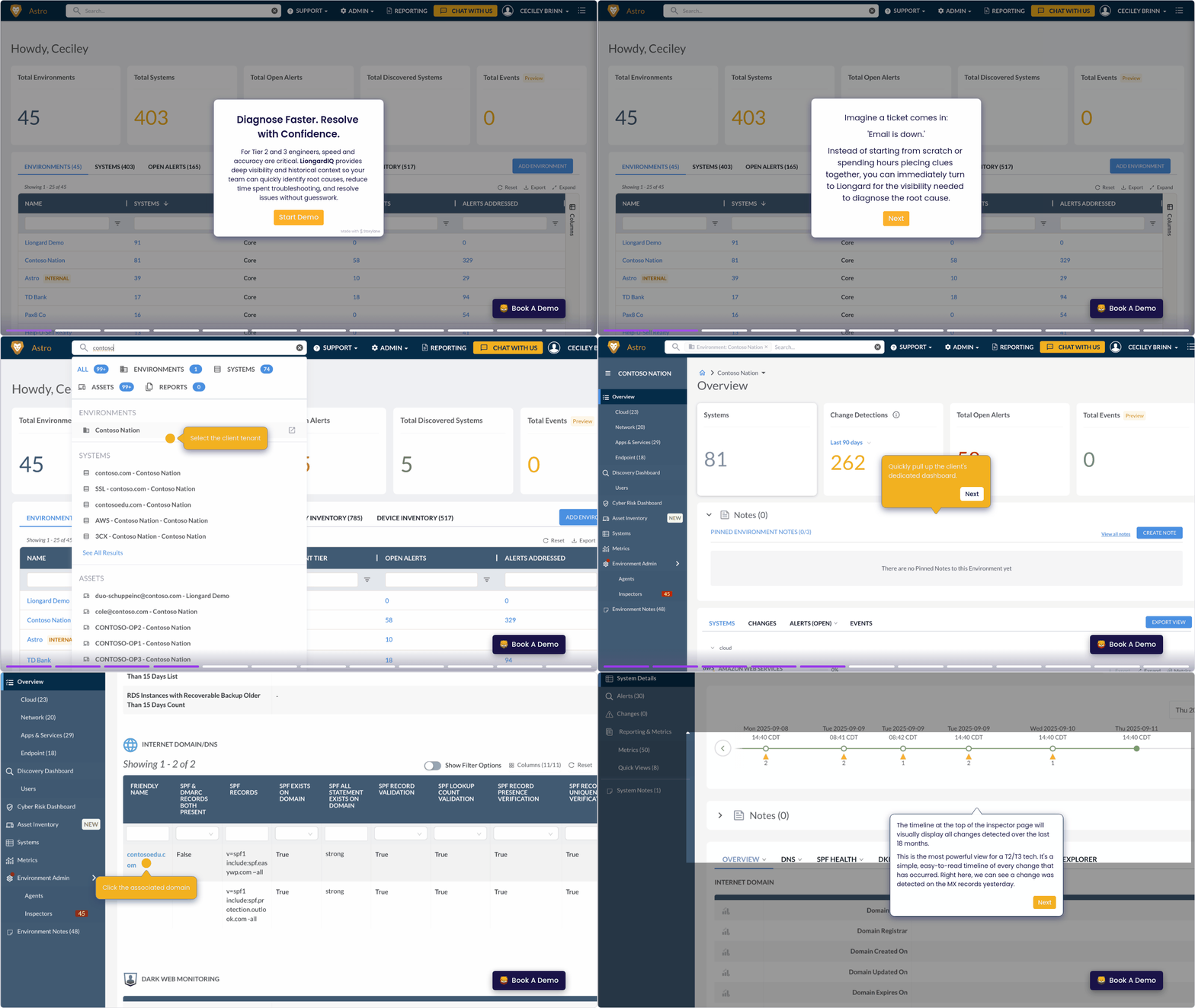
T2/T3 Techs | Root Cause Analysis
Diagnose Faster. Resolve Confidently. LiongardIQ gives Tier 2 and 3 engineers the visibility and context they need to quickly pinpoint root causes, cut troubleshooting time, and fix issues with precision.
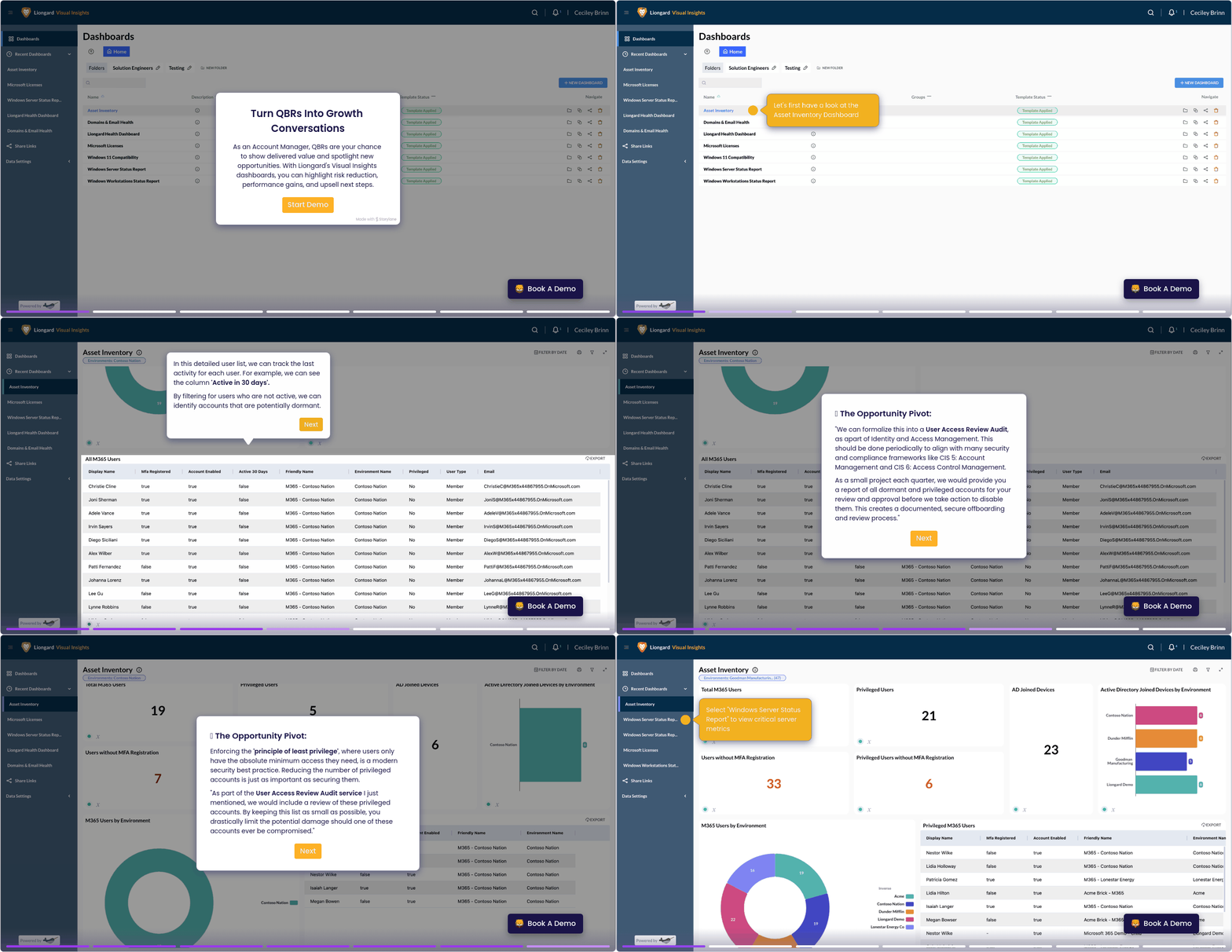
vCIO/Account Manager | QBR Prep
Turn QBRs Into Growth Opportunities. Use Liongard’s Visual Insights dashboards to showcase delivered value, reduced risk, and performance gains—turning every QBR into a strategic growth conversation.
Updated about 1 month ago