

ThreatImpact IQ Overview
Let's take a high-level look at ThreatImpact IQ. This overview provides a quick look at the platform's core areas—each designed to streamline operations, strengthen the security posture, and empower teams with actionable intelligence.
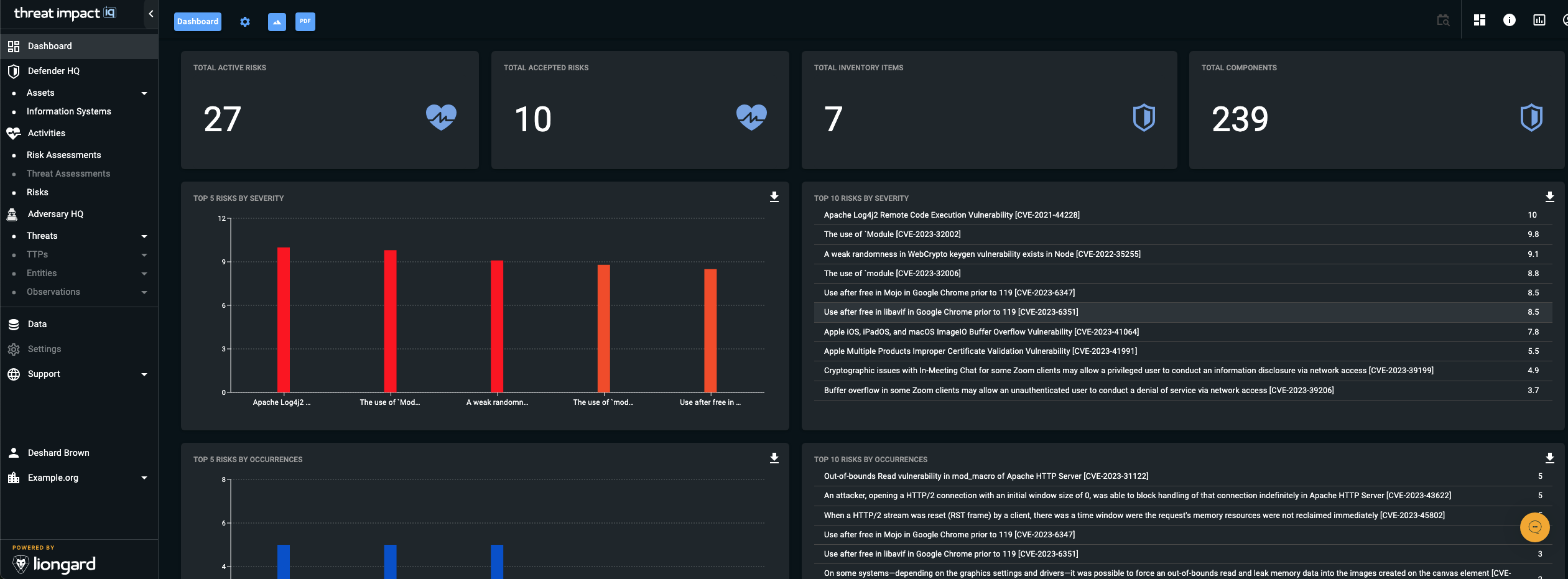
Dashboard
Dashboards provide you with a visual, graphical representation of the key indicators that define your organization’s security health and posture. Within ThreatImpact IQ, dashboards help you quickly assess the environment, monitor trends, and identify areas that require attention.
Multiple Dashboard Support
ThreatImpact IQ supports multiple dashboards, each designed for specific user personas such as SOC Operators, Security Engineers, or other security roles within your organization.
Since each persona may prioritize different security indicators, ThreatImpact IQ allows you to create custom dashboards that align with the unique needs and responsibilities of each user type.
Custom Dashboards
- You can create dashboards tailored to a particular persona.
- Custom dashboards allow organizations to emphasize the metrics most relevant to their workflows.
- Although different organizations may use similar personas, dashboards remain scoped to your managed organization and are not shared across organizational boundaries.
Default Dashboard Experience
Dashboards in ThreatImpact IQ leverage the capabilities of the OpenCTI workspace.
When you log into ThreatImpact IQ, you are presented with a default dashboard that provides an immediate overview of your organization’s key security indicators. This dashboard includes a set of widgets and charts that display essential information at a glance.
Default Dashboard Restrictions
The widgets on the default dashboard:
- Cannot be modified
- Cannot be hidden or suppressed
- Cannot be resized
- Cannot be rearranged
These restrictions ensure consistent visibility into core security posture indicators for all users.
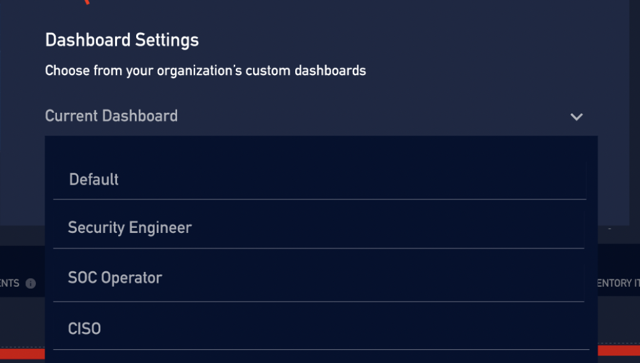
Figure 1. Dashboard Selection Modal
You can select which dashboard to display by choosing a different dashboard from the Dashboard Selection modal dialog.
The navigation menu on the left side of the screen is divided into sections tailored to different audiences.
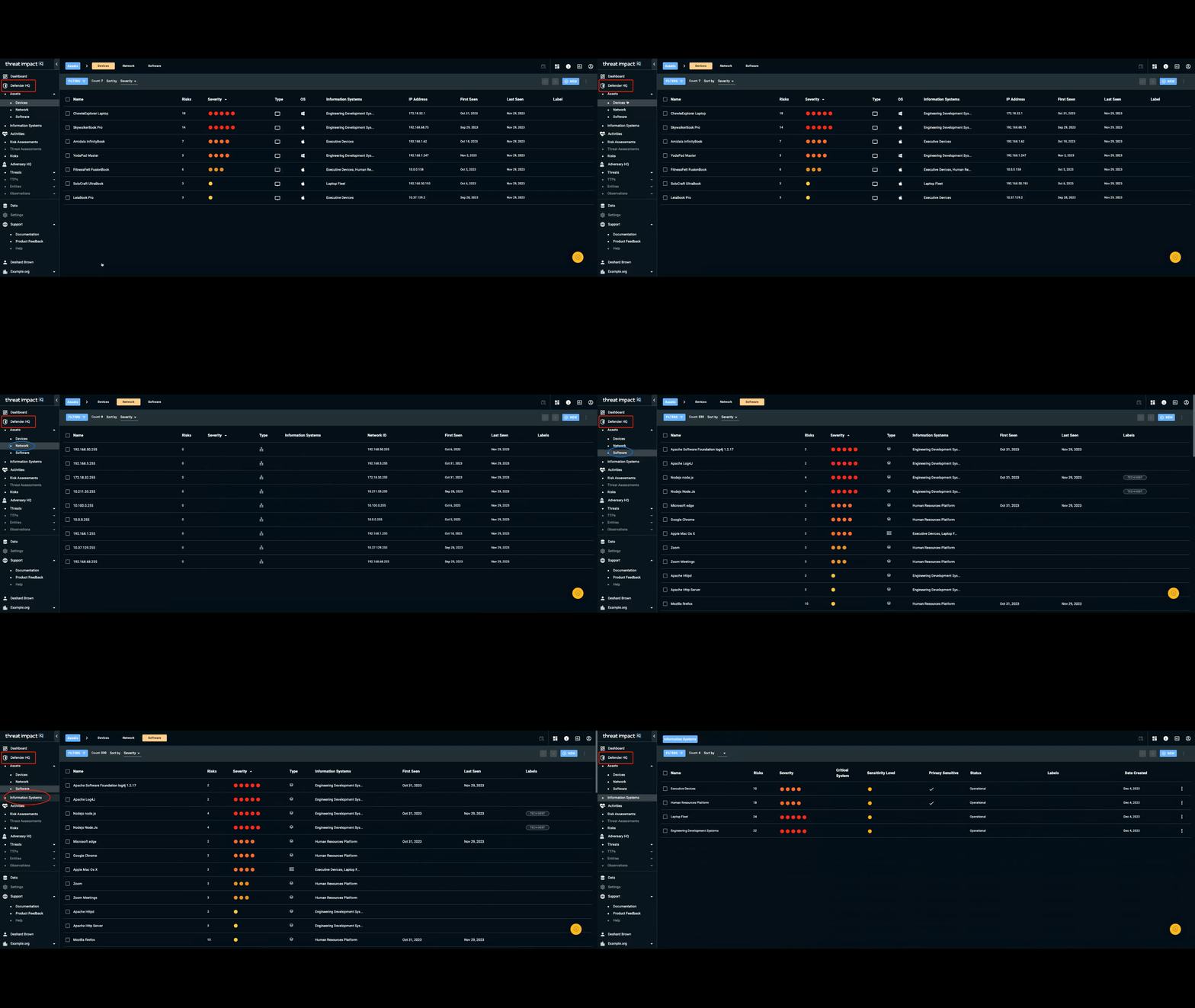
Defender HQ is the section of the navigation bar that contains information specifically focused on individuals responsible for defending an organization’s IT infrastructure.
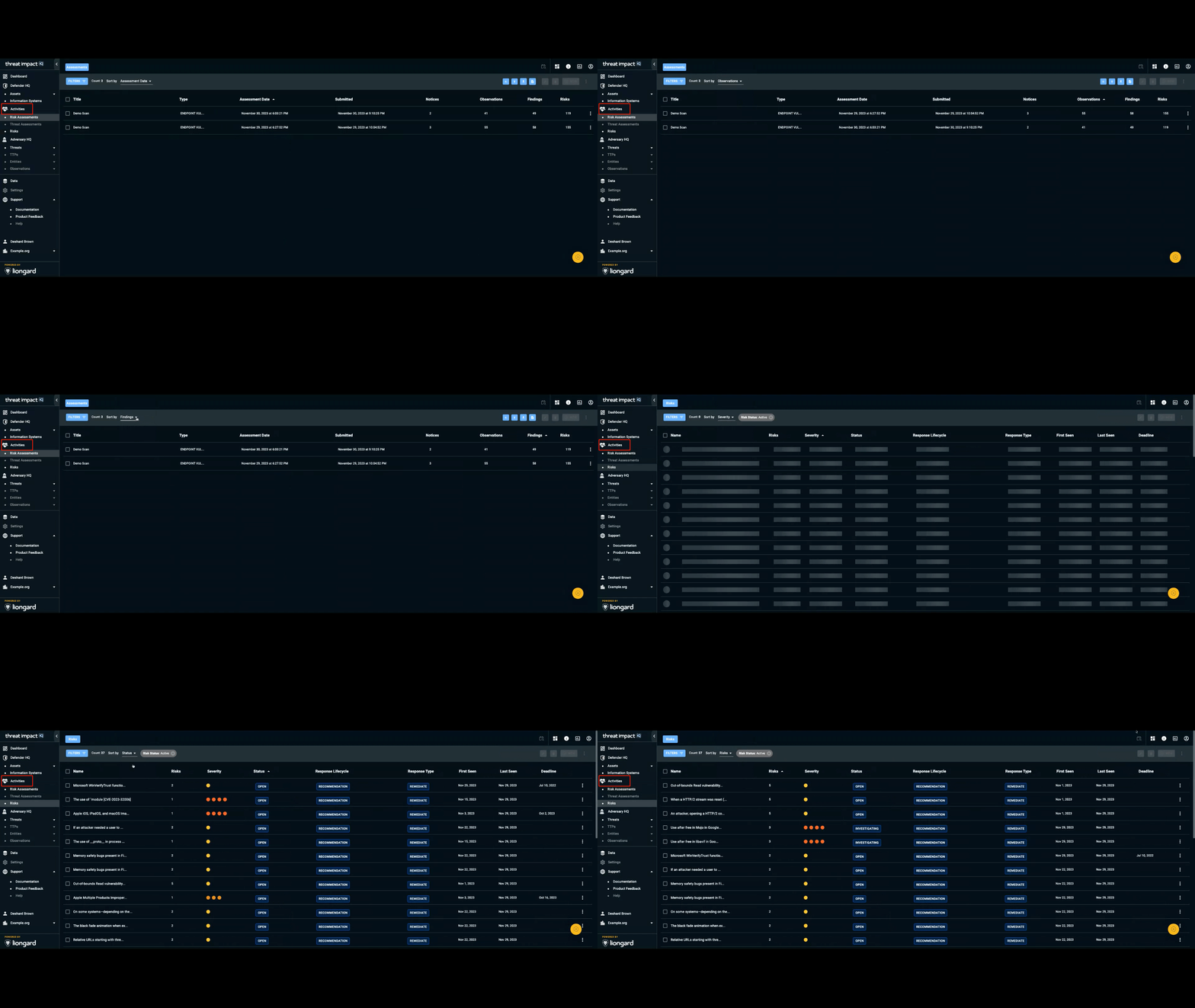
The Activities section in the navigation bar contains the tasks performed to defend and investigate weaknesses in an organization’s environment.
Adversary HQ
Adversary HQ is the section of the navigation bar that provides information specifically focused on individuals responsible for understanding the behaviors, tactics, and procedures used to exploit organizational weaknesses.
🚧 Full functionality for this section will be available soon. 🚧
Data
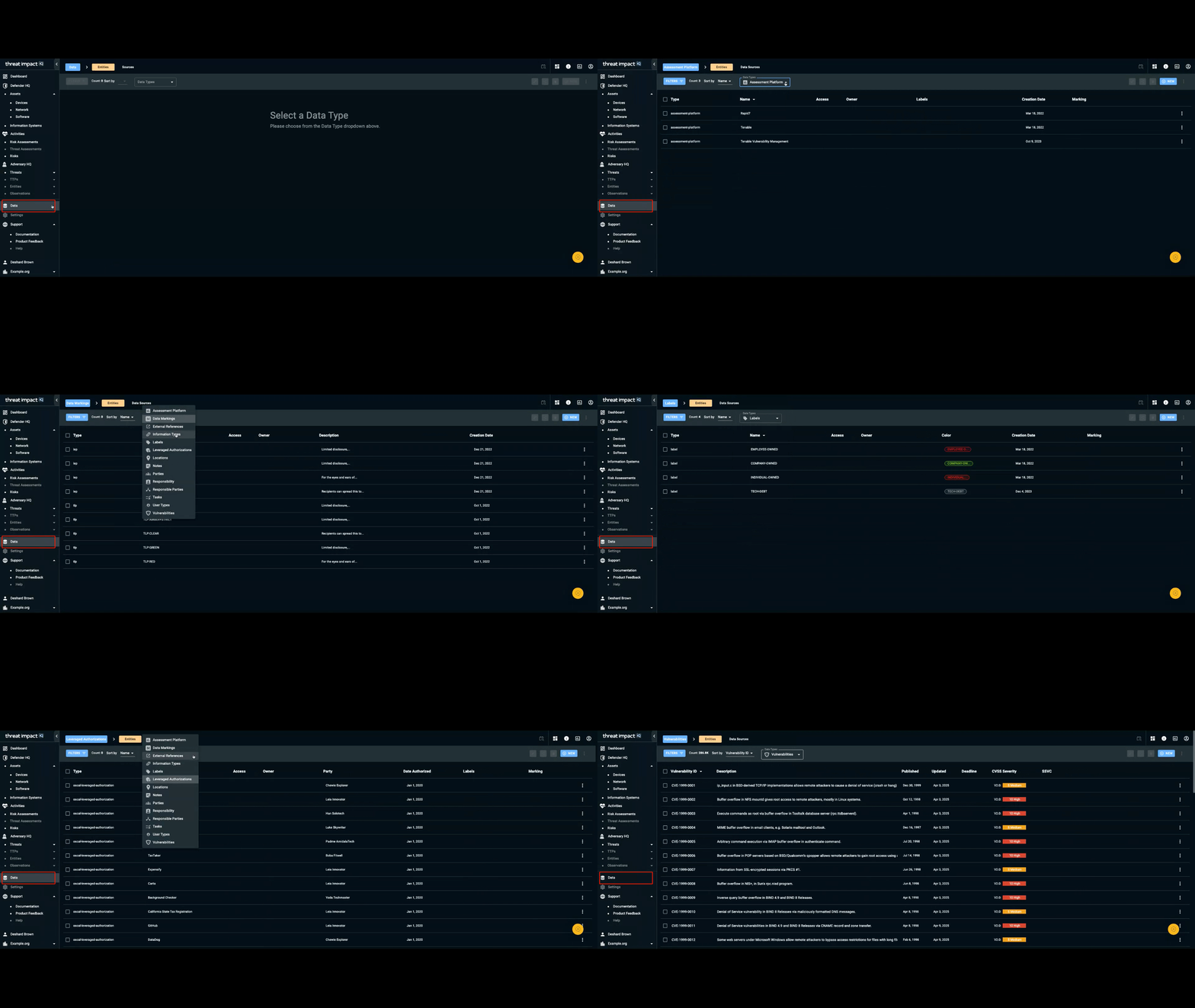
Data entities are organization-specific types of data that support your activities in ThreatImpact IQ. Data entities include:
- Responsibility (roles), Locations, Parties (people or organizations), and Responsible Parties (captures the relationship between Responsibility and Parties).
- Tasks (an action or milestone supporting a risk remediation).
- Assessment Platform (for example, Tenable or Rapid7).
- Notes, Labels, and External References, which support several capabilities throughout Cyio.
User Types, Leveraged Authorizations (external certifications), Information Types (the types of information that are stored, processed, or transmitted), which support our information systems capability. - Data markings and vulnerabilities.
Updated 9 months ago